Library
Find thumbnails that beat their channel's usual views.
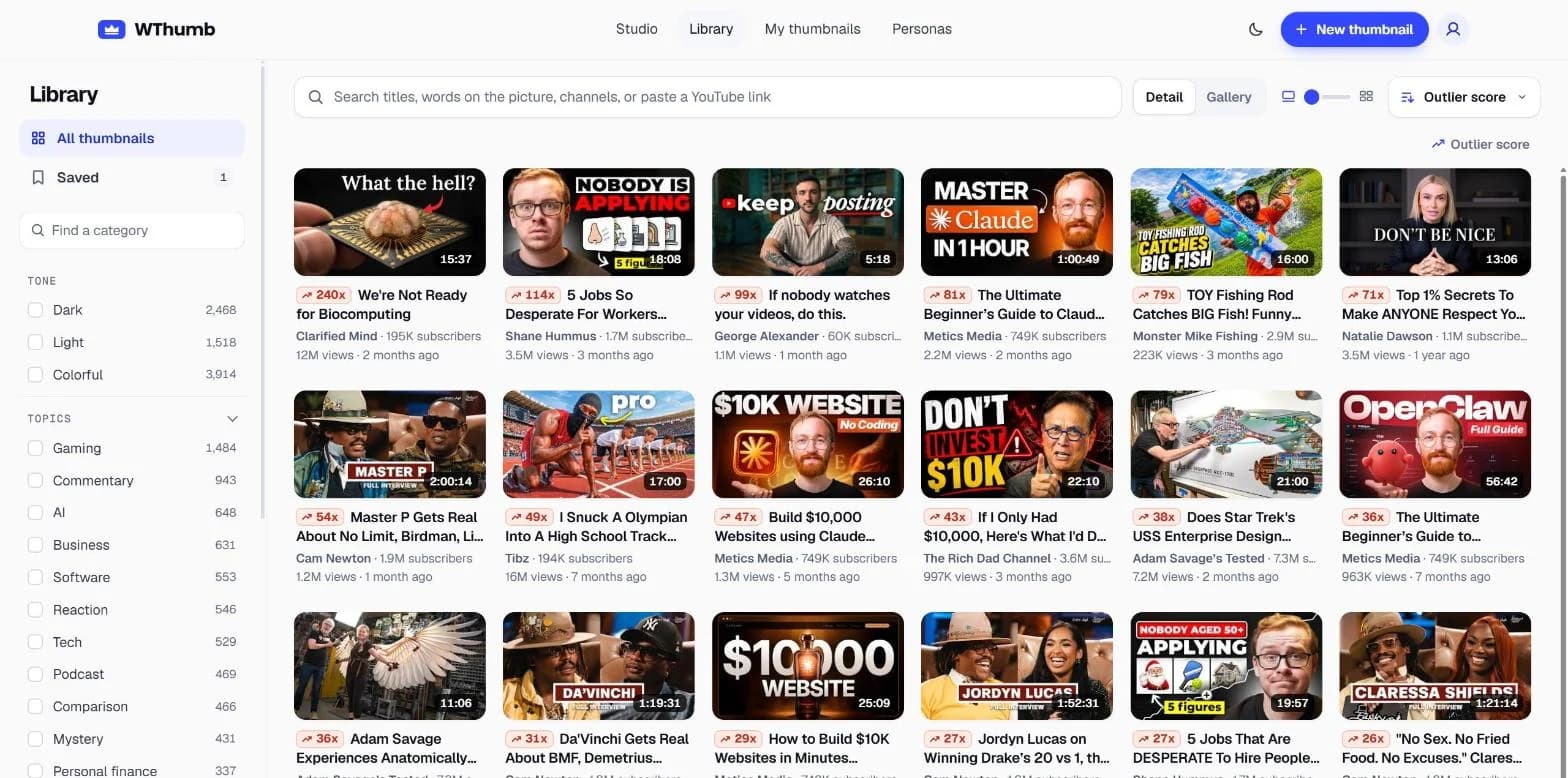
The Library is a searchable wall of popular YouTube channels' thumbnails inside WThumb, an AI thumbnail maker for YouTube, with a score that sets a video against the views its channel normally gets wherever the channel has enough history to judge by. Pick a card that fits your topic and Recreate makes it the starting point of a thumbnail of your own.
2 free credits (1 credit = 1 thumbnail), no card
How it works
From search to your own thumbnail.
Search or filter
Search for a topic, a channel or words seen on a thumbnail, or browse with the filters.
Read the score
Each card shows its outlier score before the title, in a color for how strong it is, with the channel and its subscribers under the title.
Press Recreate
Recreate opens the Studio with that thumbnail as your reference. Add a persona or Faceless and your words, then press Make; picking costs nothing, and only Make uses credits.
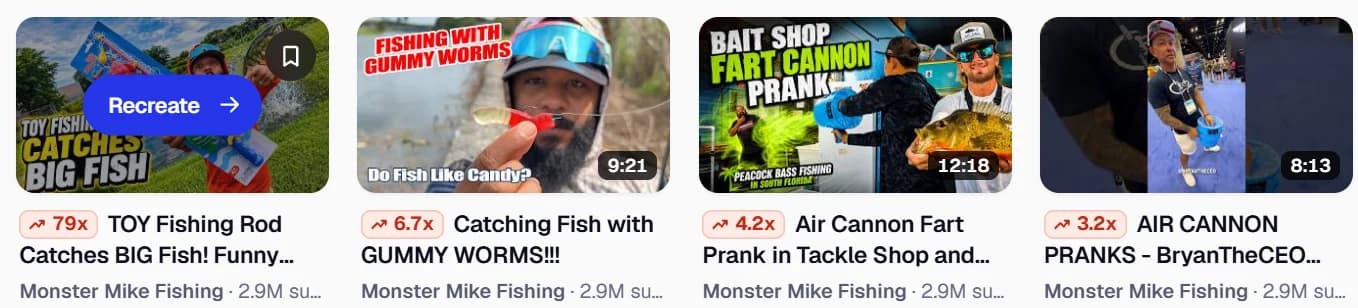
Outlier score
What the outlier score tells you.
To score a video, WThumb finds the typical (median) view count among the channel's uploads that are a week old or more and divides the video's own views by it, so 3x means 3 times what that channel's typical upload gets. From 1x up, the video did at least as well as its channel usually does, and the higher the number, the further it went; channels with under five videos of that age are not scored.
The chip's color follows the printed number: gray below 1x, green from 1x, yellow from 1.5x, and red with a rising arrow from 3x.
Finished live streams are hidden and left out of every channel's median, while Premieres count like any video. A high score shows what worked for that channel and its audience; it is a lead to study, not a promise for your video.
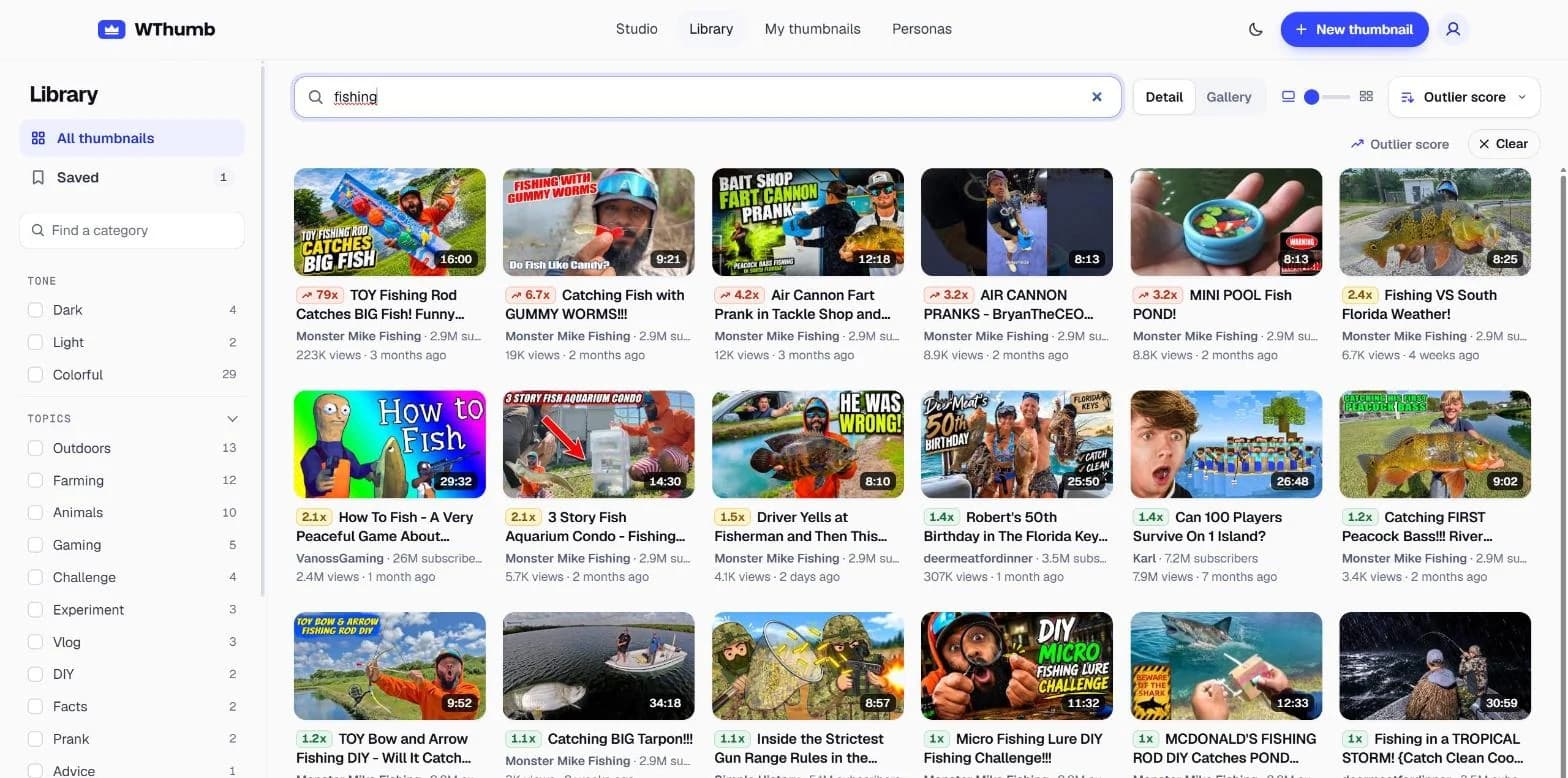
Search and save
Search, sort and keep a shortlist.
Type into one box to search titles, channel names and the words printed on the pictures. Tone filters (dark, light or colorful) and topic, style, mood, object and color filters cut the wall down, and results can be ordered by relevance, newest, most viewed or outlier score.
A YouTube link pasted into that box finds the one video it points to, even from a channel the Library does not carry, though such a video gets no score. A link to a live stream is refused, as the Library keeps videos only.
The bookmark on a card saves it to Saved, your shortlist for later. A card's title opens the video on YouTube and its channel name opens the channel, each in a new tab, and every picture is shown from YouTube rather than stored by WThumb.
In the Studio
Open it from the Studio's Reference tile.
In the Studio, the Reference tile offers the Library beside a link and an upload, so you can pick a reference without leaving the page.
The Library opens once you are signed in to an account, and searching, filtering and saving use no credits.
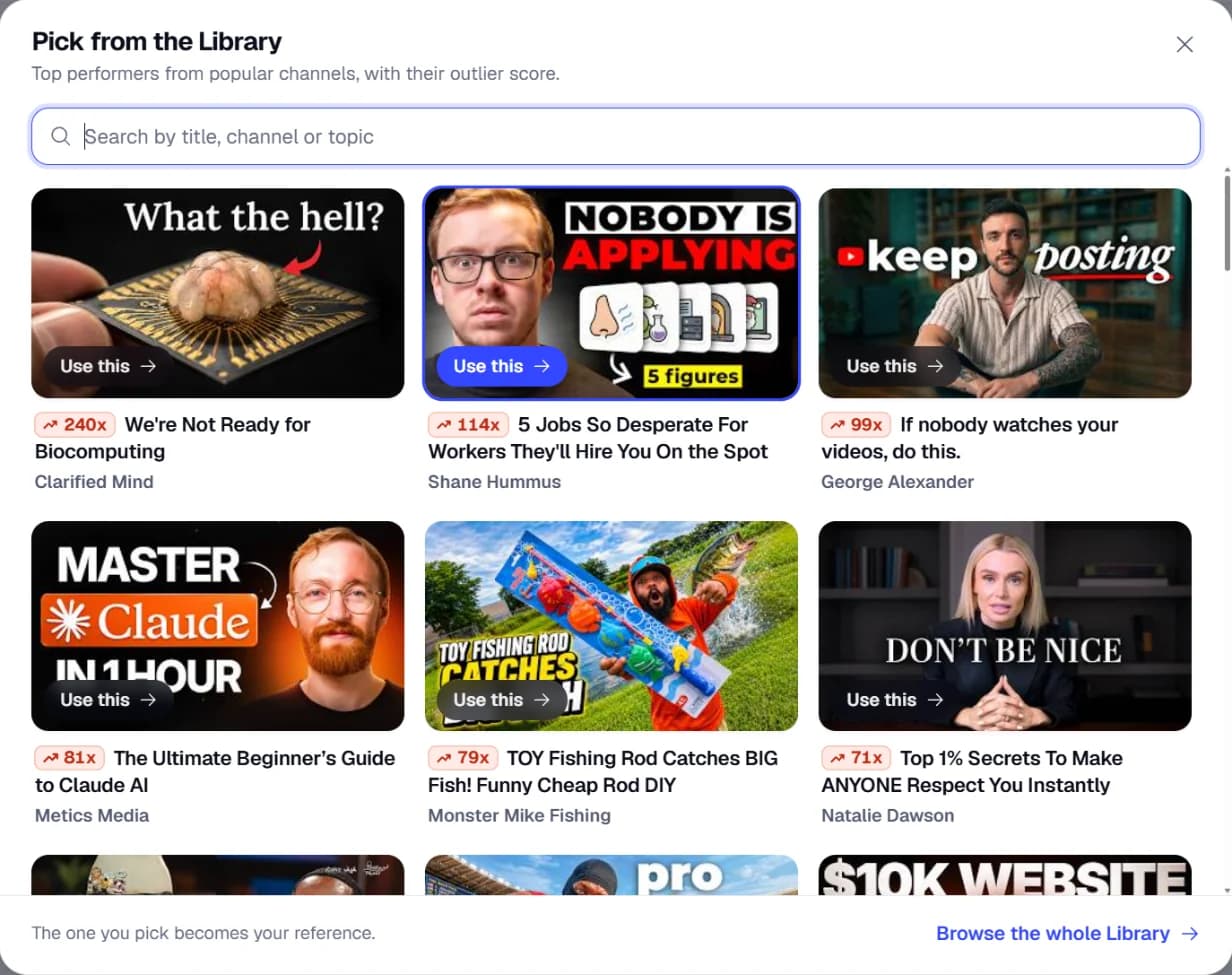
Pick your next reference.
Open the Studio, choose Library on the Reference tile, and make the one you pick your own.
Open the Studio2 free credits, no card