 12:48
12:48Your next great video
Your channel
Choose an image or paste a video link, then test how it reads at realistic feed sizes before you upload it to YouTube.
Image
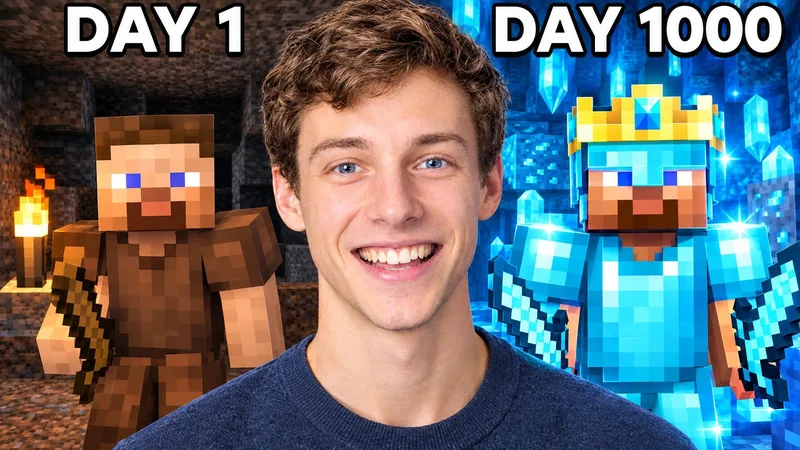
Sample: Day 1, Day 1000800 × 450 · WebPDrop one image here, or choose a JPG, PNG, WebP, or GIF.
No account required. Select one image at a time.
Or try a sample
The card
Feed theme
Like 12:48 or 1:05:30.
12:4812:48Your next great video
12:48Your next great video
Your channel
12:48HOW TO TEST A THUMBNAIL
This is a visual test, the one most people mean when they search “test my thumbnail” before it goes live. For a test with real viewers, YouTube's Test & compare runs up to three thumbnails on one published video: how Test & compare works.
HOW TO USE IT
Look for readable text, a clear subject, and useful contrast at each size. The duration badge shows how interface overlap can cover part of an image.
Read the desktop, mobile, and TV preview guideQUESTIONS
No. Your image stays in this browser. WThumb does not upload or save it.
One image at a time, as a JPG, PNG, WebP, or GIF file. Drop it on the tool or choose it from your device. No account required.
Yes. Paste a public video link and the previewer shows the thumbnail YouTube serves for it. The link stays in this browser, the image loads directly from YouTube, and WThumb does not store the link or the image.
Here, testing means looking. The previewer shows your thumbnail at the sizes viewers meet it, so you can check that the words read, the subject is clear, and the duration badge covers nothing important. It does not predict clicks or score the design.
Yes. Switch Feed theme to Dark and the preview redraws your thumbnail in a dark YouTube feed, so you can check that the words and the subject still stand out.
Yes, in the thumbnail comparison, which places two or three ideas in matching video-card layouts. For a test with real viewers, YouTube's Test & compare runs up to three thumbnails on one published video.
Use Test & compare in YouTube Studio. As of September 2026, YouTube's Test & compare help page says it tests up to 3 titles and thumbnails on one video, only on a computer, and not on Shorts, Scheduled Lives, or Premiere videos. Check your options here first, then let YouTube measure the finalists.
Yes. It places your image in a YouTube home feed, search results, suggested videos and a phone view, light or dark, so you can check the mockup before you upload. Nothing is uploaded: it runs in your browser.
YouTube does not publish an official thumbnail safe zone. Interface placement can change; this preview is visual guidance, not a guarantee.
Studio opens separately and will ask you to select the image again.
Start with a reference you like and make a new thumbnail around your channel.
Remake in WThumbStudio opens separately and will ask you to select the image again.