Let the format pick the picture
A day count wants day one against the finished base. Hardcore wants the one life at stake, a manhunt the runner and the hunters, a speedrun the timer and the dragon, a build battle the build itself.
Paste a link to a Minecraft video or upload a reference, add the real hook, and keep it all in the game or add your photo. WThumb builds a new 16:9 or 9:16 design around it.
2 free credits (1 credit = 1 thumbnail), no card
Not an official Minecraft service. Not approved by or associated with Mojang or Microsoft.
WHAT CHANGES
The reference is a One Block day count. Each result is a new design from the same brief: Steve on day one, a Nether portal fortress on day 365 and a sunny sky, in 16:9 and 9:16. The face pair adds one line: keep Steve on the block and put the creator beside the island. The blocks and skins are generated, so compare them with the game before publishing.
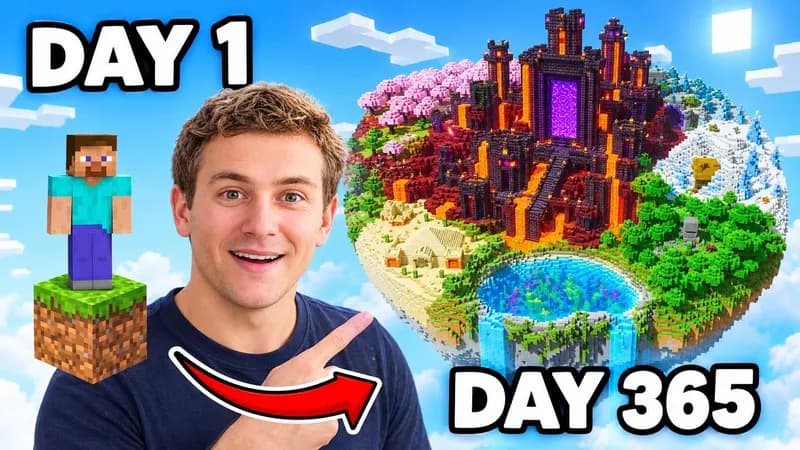
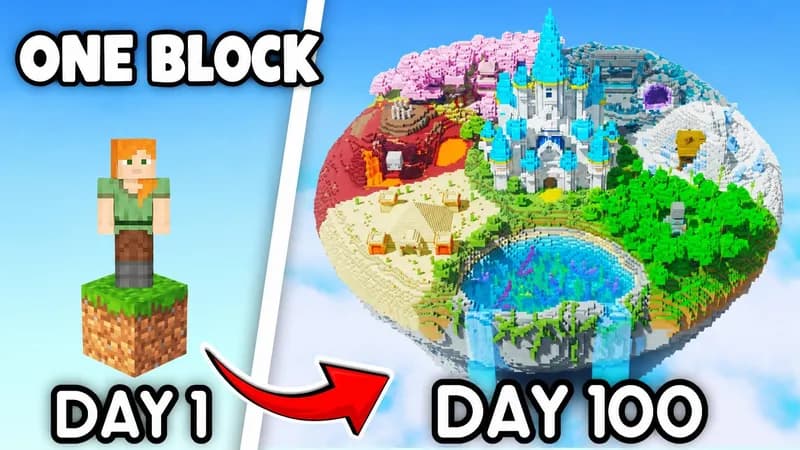
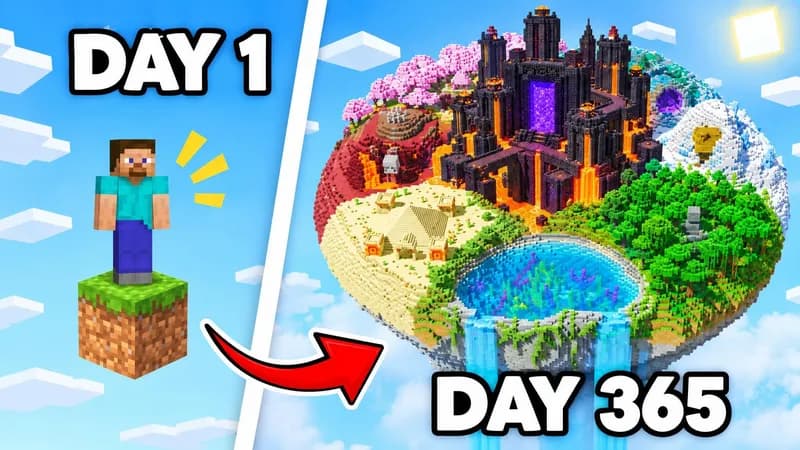
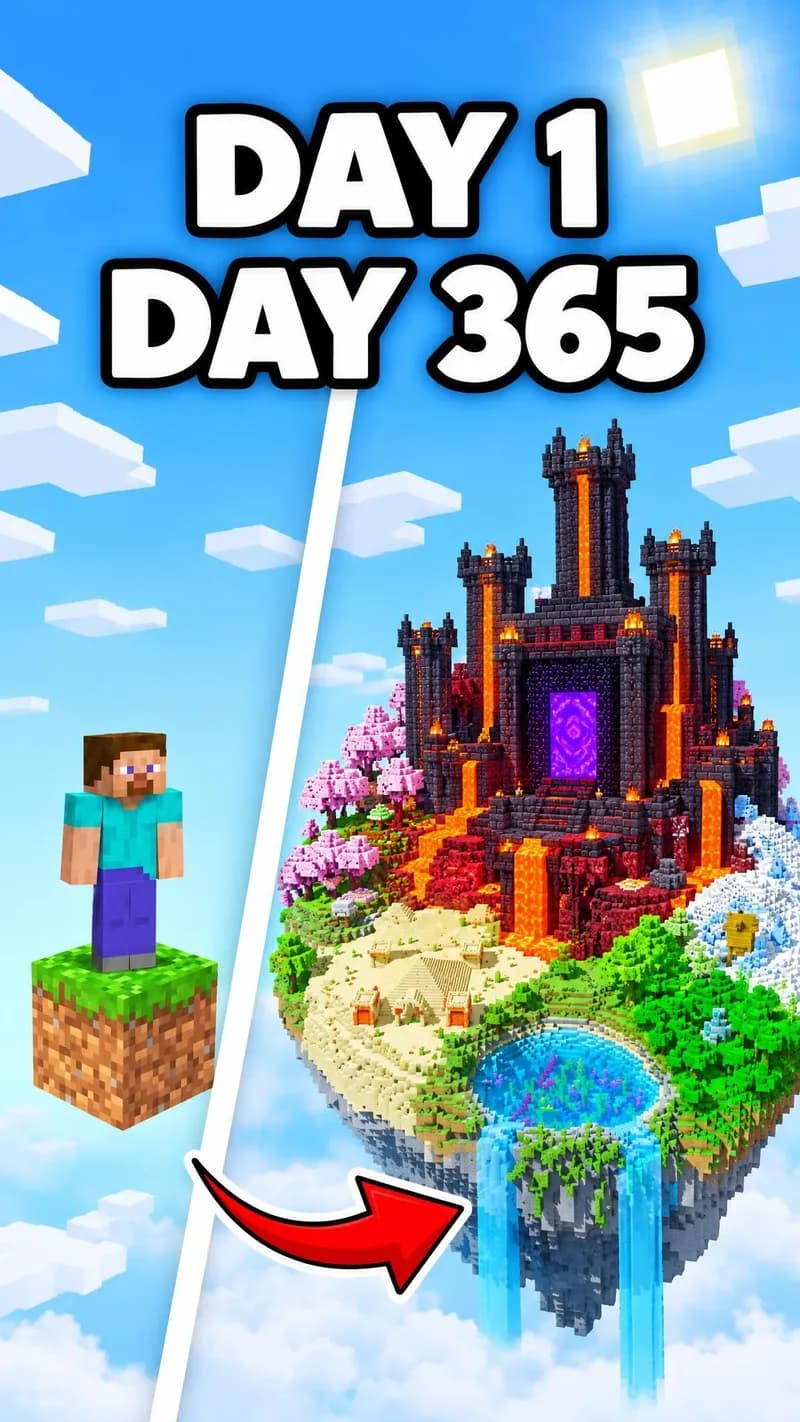
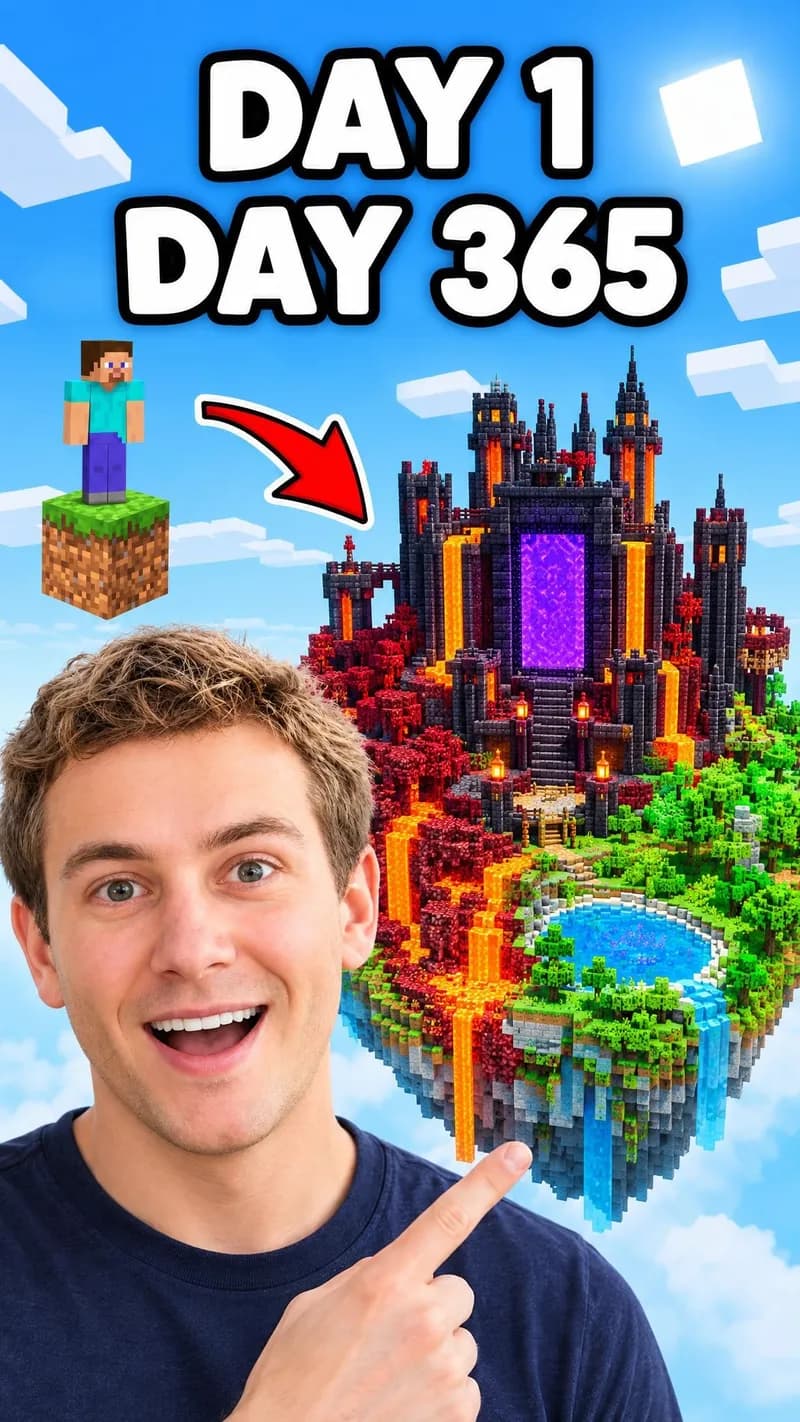
Paste a public link to a Minecraft video in the same format as yours, or upload a thumbnail you like.
Add the real day count, rule, mob, dimension, or build, and the few words the picture should carry.
Keep it all in the game, or add your photo and say where you stand beside the game character. Each frame is composed on its own.
BUILD THE BRIEF
A day count wants day one against the finished base. Hardcore wants the one life at stake, a manhunt the runner and the hunters, a speedrun the timer and the dragon, a build battle the build itself.
Viewers know a Creeper, the Warden, the Ender Dragon, a Nether portal, and diamonds on sight. Ask for the real one by name instead of a monster, a gate, or a gem.
Generated blocks, skins, and mobs can drift from the game, so compare them with Minecraft and fix one thing per revision. Your title already names the game, so keep the Minecraft logo off the picture.
QUESTIONS
Day counts such as 100 days, hardcore runs, SMP episodes, modded playthroughs, builds and build battles, speedruns, manhunts, challenges, update and seed showcases, and redstone builds. Any video with one premise the picture can show works.
Yes. Leave the photo out and the picture stays in the game: a player skin, blocks, mobs, and your words. Add your photo when your reaction is part of the story. By default your photo takes the place of the figure in the reference, so say what stays and where you go, for example: keep the player on the block a Minecraft character and put me beside the island.
Not reliably. WThumb generates a new image rather than pasting a screenshot, so a custom skin comes back close, not pixel for pixel. Attach a clear screenshot of your skin as an extra image, point to it in your instructions, and check the result. If the exact skin must appear, put your words over your own screenshot in an editor.
You can ask for them by name: a Creeper, an Enderman, the Warden in the Deep Dark, or the Ender Dragon over the End. The picture is generated in the game's blocky style, so textures, proportions, and icons like hearts can drift. Compare them with the game and revise before publishing.
Yes. Leave the photo out, choose No text, and ask for the scene alone in your changes, for example: only the One Block island at sunset, no player, no words. To start from your own world, attach a clear gameplay screenshot of it as an extra image and point to it in your instructions. You get a 16:9 or 9:16 picture to put your own words or face on in an editor. The blocks and the light are generated, so compare them with the game before publishing.
No. A template gives you a fixed layout to fill in. WThumb builds a new design from your reference, your video's hook and your photo if you add one, so the thumbnail is made around your video. For a series look, reuse the same reference each time.
A 16:9 thumbnail comes back at 2048 by 1152 pixels and a Shorts one at 1152 by 2048, each composed for its own frame rather than cropped. Tick both to get the pair from one brief.
WThumb is free to try: new accounts get 2 free credits, no card needed, and 1 credit makes 1 thumbnail, in 16:9 or 9:16 with no watermark. Paid plans start at $12 a month.
No. WThumb is an independent thumbnail maker. Not an official Minecraft service. Not approved by or associated with Mojang or Microsoft. Leave the Minecraft logo off your thumbnail too: your title already names the game, and a real mob, block, or place says Minecraft on its own. Minecraft Usage Guidelines.