 With a face
Choose a reference that can survive without a face
Look for a strong object, place, action, or result that can become the main subject.
WThumb is an AI faceless thumbnail maker for YouTube. Give it a reference and your video title, skip the personal photo, and it builds a new 16:9 or 9:16 thumbnail where the object, place, result, or idea is the subject.
2 free credits (1 credit = 1 thumbnail), no card
WHAT CHANGES
Each row pairs two results from the same brief: one using a creator photo and one built without a supplied face. In a faceless run, WThumb instructs the model to remove people from the reference and rebuild the space around the subject. Review every finished image before publishing.
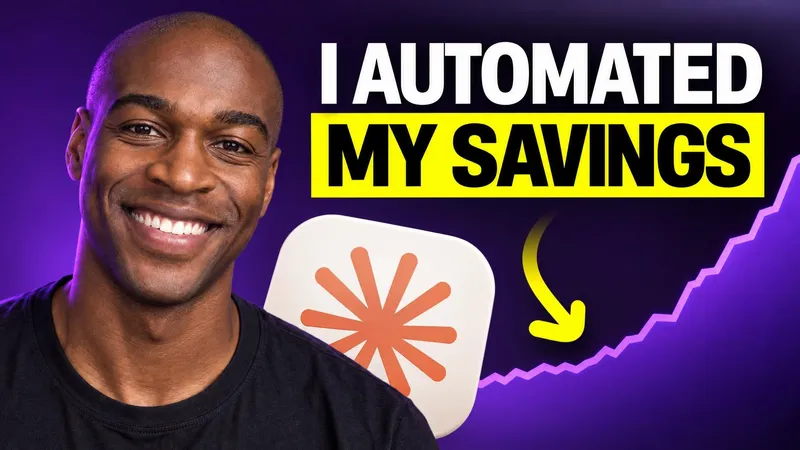

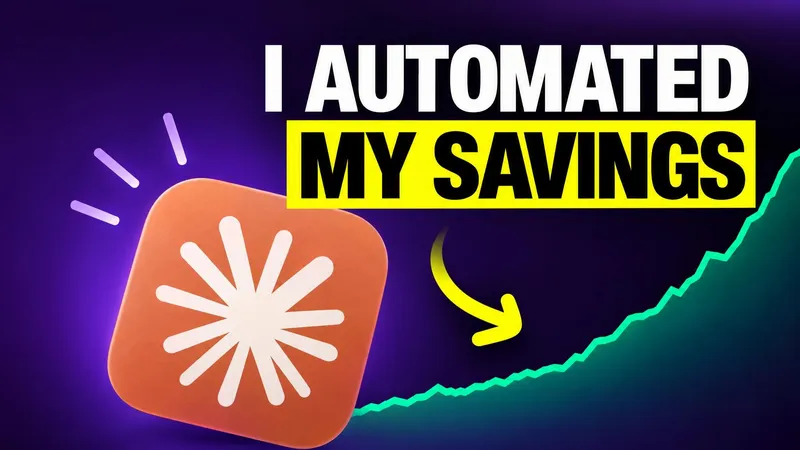
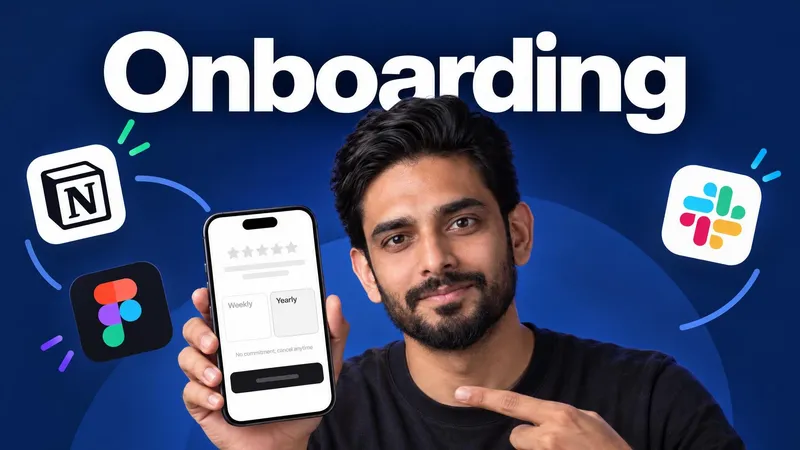
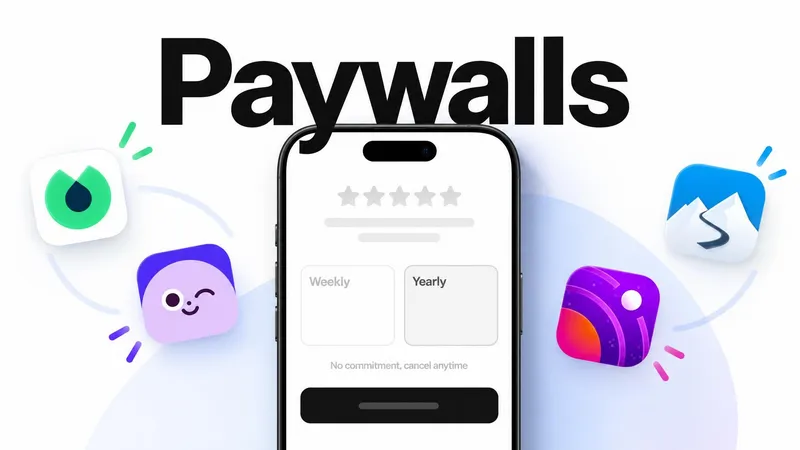
Paste a public YouTube link or choose an image that communicates the subject clearly.
Leave the photo step empty and add the words or instructions the new thumbnail needs.
WThumb instructs the model to remove people from the reference and rebuild the space around the object, place, result, or idea.
BUILD THE BRIEF
Look for a strong object, place, action, or result that can become the main subject.
Name the thing the viewer will learn, see, compare, or discover instead of relying on an expression.
Use one clear subject and short wording so the idea still reads at feed size.
QUESTIONS
No. Skip the personal photo and let the topic or object become the focus.
WThumb instructs the model to remove people from the reference and rebuild that space with scene details that fit the subject and your instructions. Generated images can vary, so review the finished image before publishing.
WThumb does not supply a replacement photo in a faceless run, and the model is instructed not to add another person. Generated images can vary, so review the finished image before publishing.
It can fit tutorials, essays, products, stories, documentaries, and other videos where the subject can carry the frame.
Use the same kind of reference, the same color words and the same word count for every video. Each run makes a new design from the brief, so ask for two designs and pick the one closer to the series.