 With a face
Pick the draw before the layout
Decide whether the host, guest name, or episode idea is the reason to watch. Make that element dominant.
WThumb makes YouTube podcast thumbnails from one episode hook. Bring a podcast reference and your optional host photo, and get a 16:9 episode thumbnail, or tick both formats for a 9:16 clip version from the same brief.
2 free credits (1 credit = 1 thumbnail), no card
WHAT CHANGES
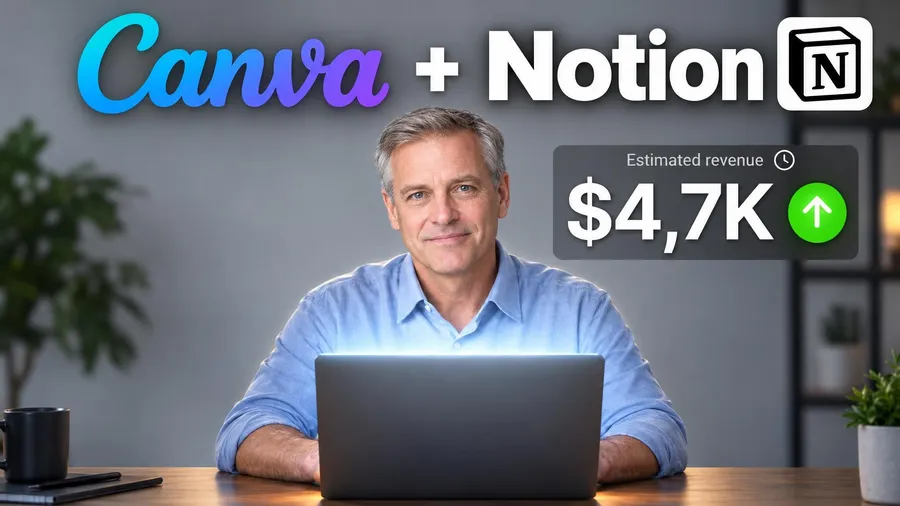
These outputs show four useful roles: a two-host conversation, a creator-led topic, a faceless topic card, and a host-at-desk format. They are examples of visual structure, not one repeated show template.
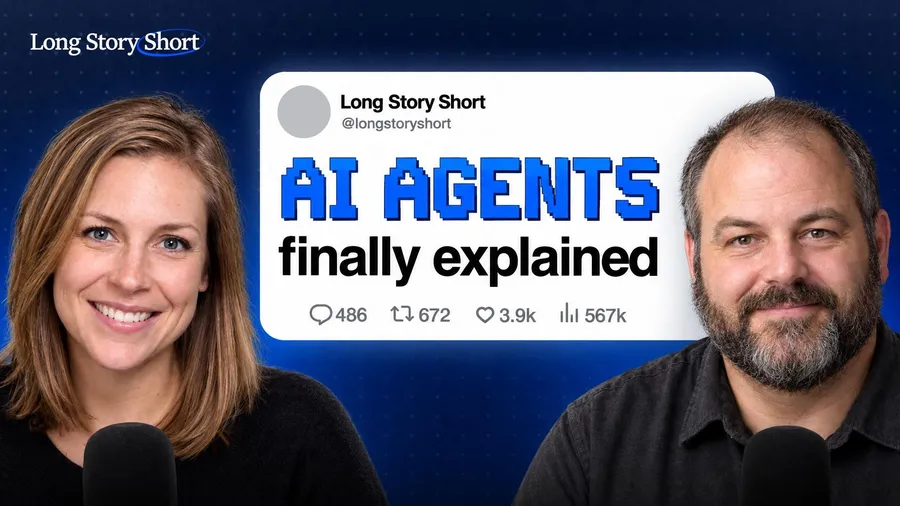
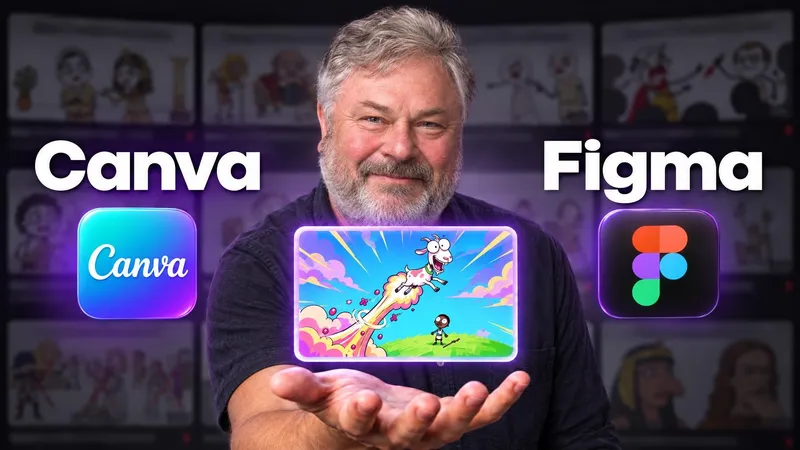
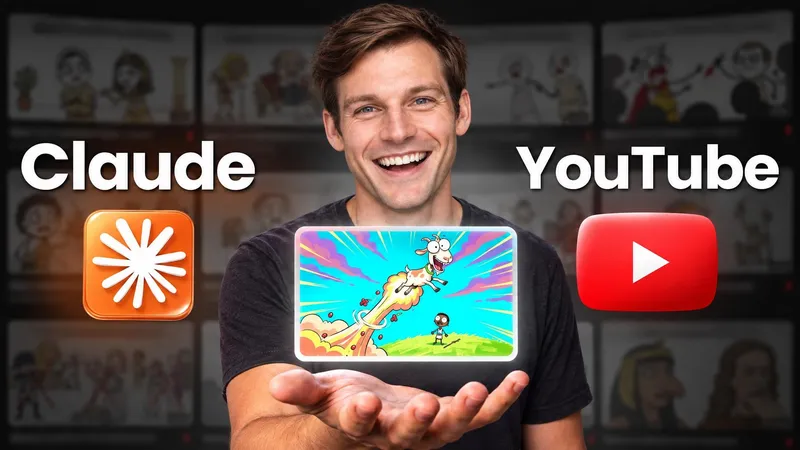
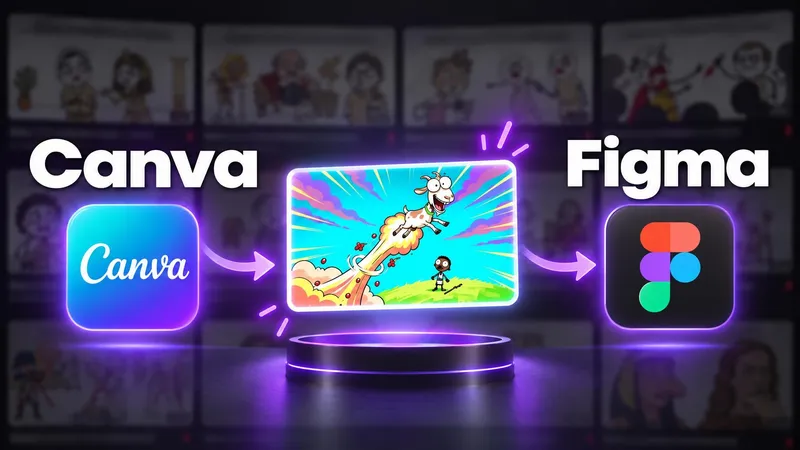
Paste a public YouTube link or choose a thumbnail whose episode structure fits your show.
Add the guest name, question, claim, or takeaway that gives this episode a reason to click.
Use your own photo when you lead the show, or let the name and topic carry the frame.
BUILD THE BRIEF
Decide whether the host, guest name, or episode idea is the reason to watch. Make that element dominant.
Repeat a consistent word count, accent color, and visual role while changing the episode-specific hook.
WThumb has one personal-photo identity input. Use an editor when two specific portraits must be placed precisely, and review generated people before publishing.
QUESTIONS
Yes. Keep the show structure consistent, then change the guest name, topic, hook, or supporting object for each episode.
No. A podcast episode on YouTube takes a 16:9 thumbnail like any video. YouTube Help also asks for a separate square thumbnail for the podcast's playlist, and audio apps such as Apple Podcasts use square cover art. WThumb makes the 16:9 episode thumbnail and the 9:16 clip version; make the square show art in an editor. YouTube thumbnail Help.
One reason to watch this episode, made the largest thing in the frame: the guest's name, the host's reaction or the question the episode answers, in a few words, inside a show structure that stays the same every week so viewers recognize it.
Not as two independently controlled portrait layers. WThumb has one personal-photo identity input. Use an editor when two exact portraits and positions are essential.
Yes. Use the guest name, episode question, quote, microphone, object, or topic as the main subject and review the generated result.
Yes. Choose both formats to request a 16:9 episode image and a fresh 9:16 composition from the same brief.