 With a face
Choose one creator problem
Make the video about one bottleneck, tool, workflow, mistake, or result instead of the whole channel journey.
Use a creator reference, your real video hook, and an optional photo to build a fresh thumbnail for editing, tools, channel growth, and content workflows.
2 free credits (1 credit = 1 thumbnail), no card
WHAT CHANGES
These WThumb outputs turn a website workflow and a creative-tool combination into one visual hook. They show different structures without implying a measured click or growth result.
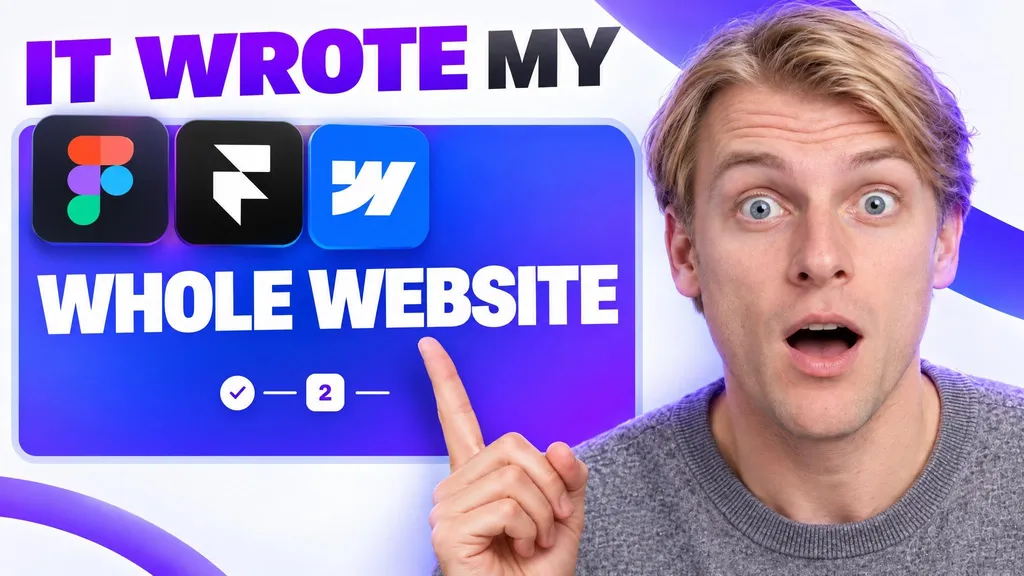
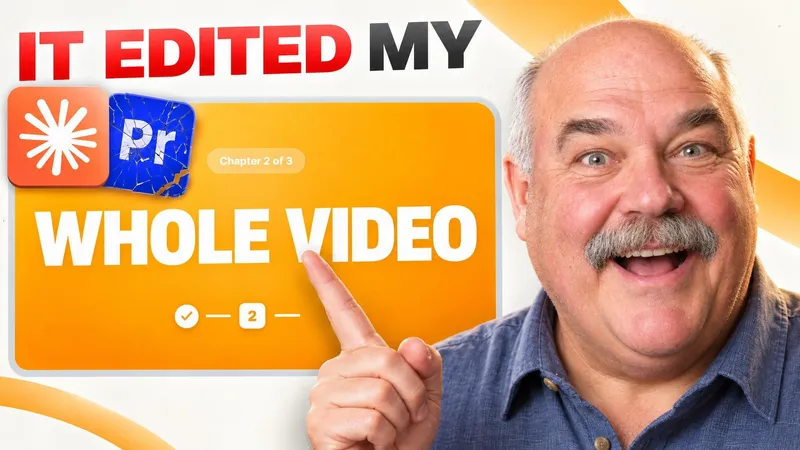

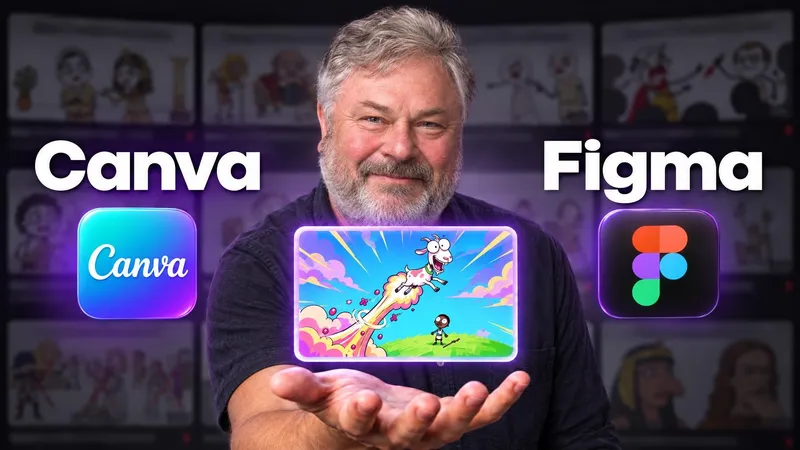
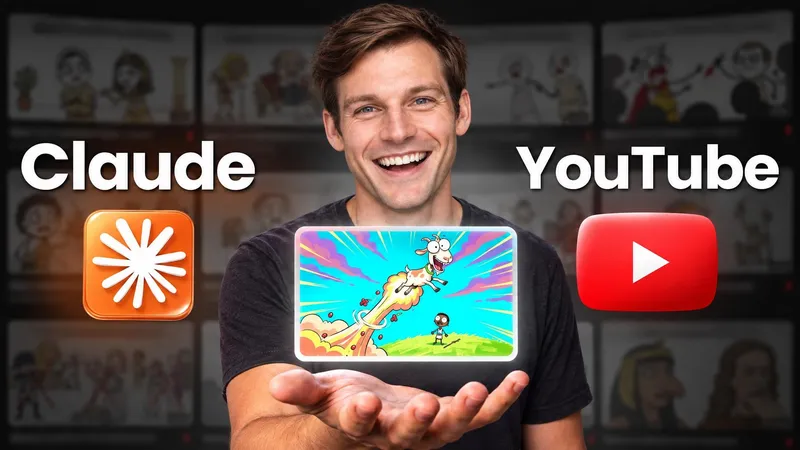
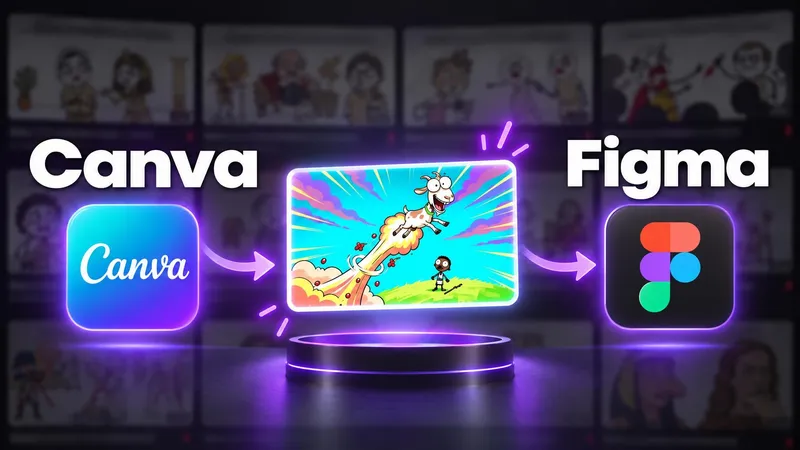
Paste a public YouTube link or choose an image that fits the type of creator video you are making.
Add the workflow, tool, lesson, experiment, or change the video actually contains.
Use your photo when your personality is the subject, or keep the result and tools in front.
BUILD THE BRIEF
Make the video about one bottleneck, tool, workflow, mistake, or result instead of the whole channel journey.
Use the image for the visual premise and the title for context. Avoid repeating the same sentence twice.
WThumb does not measure clicks, views, or channel growth. Use real figures only, and review product marks and interface details before publishing.
QUESTIONS
The format can fit editing workflows, creator tools, channel lessons, experiments, behind-the-scenes videos, content systems, and growth explainers.
No. WThumb helps create a fresh thumbnail around your brief. It does not measure click-through rate, views, or channel growth.
Yes. Skip the personal photo and make the tool, workflow, object, result, or before-and-after change the subject.
Yes. Choose both formats to request a 16:9 thumbnail and a fresh 9:16 composition from the same creator brief.