 With a face
Use one number, not a dashboard
Choose the single figure or comparison viewers need to understand. Dense interfaces disappear at feed size.
WThumb makes finance thumbnails for YouTube around your real figure or comparison. Bring a reference, add your photo or skip it, and get a new 16:9 or 9:16 design for saving, budgeting, investing, and money explainers.
2 free credits (1 credit = 1 thumbnail), no card
WHAT CHANGES
These WThumb outputs turn a savings workflow and a bills result into a clear visual premise. Every figure, currency, chart, and claim still needs to be checked against the video before publishing.


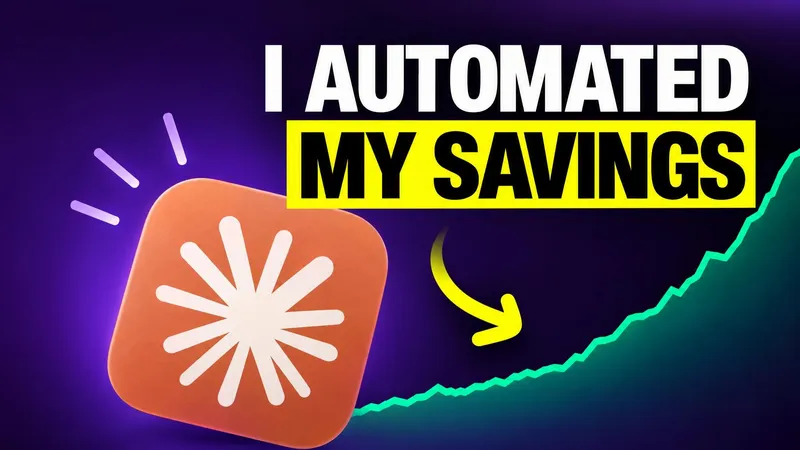


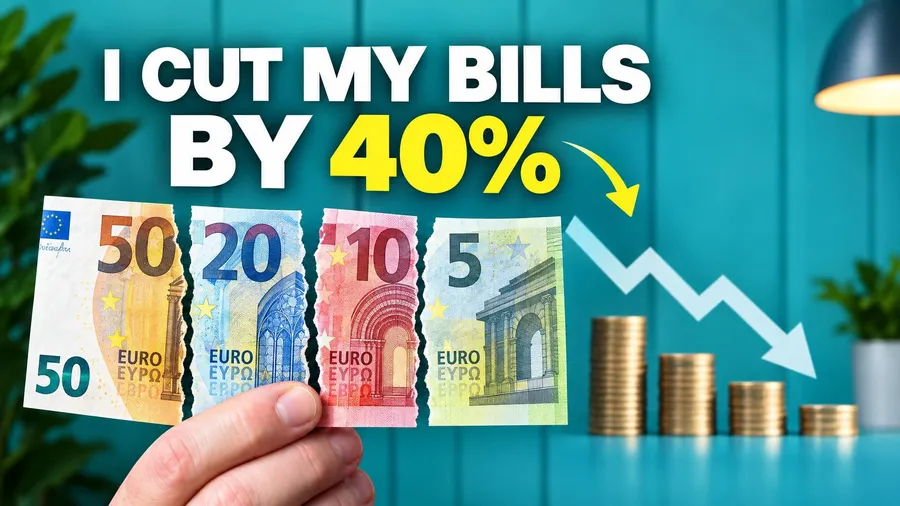
Paste a public YouTube link or choose an image whose visual structure fits your video.
Use only the number, comparison, object, or outcome the video actually supports.
Add your photo for a creator-led explanation, or let the chart, object, or comparison lead.
BUILD THE BRIEF
Choose the single figure or comparison viewers need to understand. Dense interfaces disappear at feed size.
Do not add an income, return, saving, or price the video cannot verify. A stronger design should not create a new promise.
Currency symbols, chart directions, labels, and figures can drift. Verify each one, and use an editor when exact data is essential.
QUESTIONS
The format can fit budgeting, saving, investing, credit, side-business, comparison, and money explainer videos with one clear premise.
Not reliably. Generated text, figures, currencies, charts, and interfaces can vary. Review every detail and use an editor when exact data must be preserved.
Yes. Skip the personal photo and let one real number, object, chart direction, or comparison become the subject.
Yes. Choose 16:9, 9:16, or both from the same finance brief.
With WThumb, nothing to start: new accounts get 2 free credits, no card needed, and 1 credit makes 1 thumbnail. Paid plans start at $12 a month.