 With a face
Show the rule or result
Make the challenge, win, fail, ranking, number, or reveal understandable before the title is read.
WThumb is an AI gaming thumbnail maker for YouTube. Bring a gaming reference and your title, keep it in the game or add your photo, and get a new 16:9 or 9:16 design. Minecraft, Roblox, Fortnite and more games have pages of their own.
2 free credits (1 credit = 1 thumbnail), no card
WHAT CHANGES
Each row pairs results from the same brief: one using a creator photo and one built without a supplied face. WThumb generates a fresh scene for each result, so review the finished image before publishing.
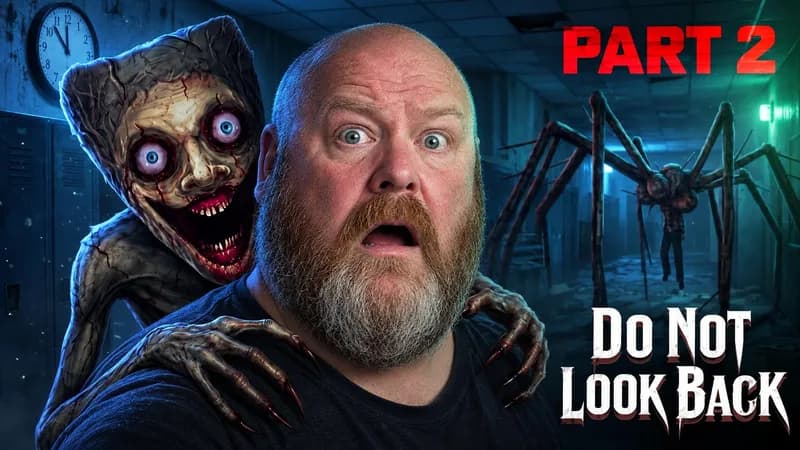
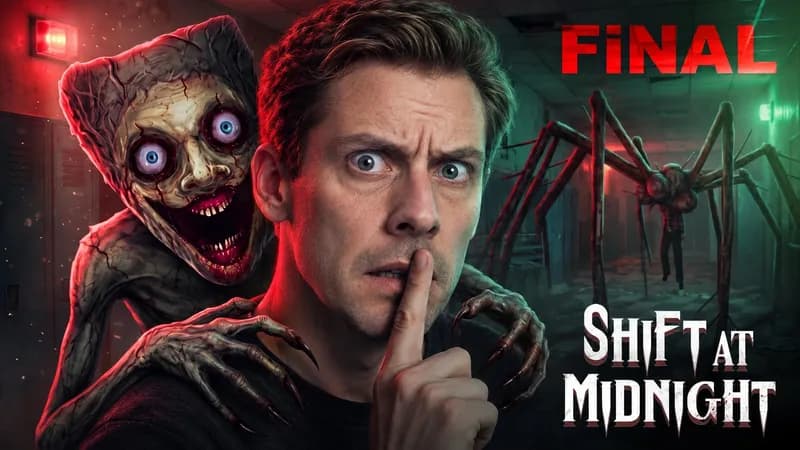
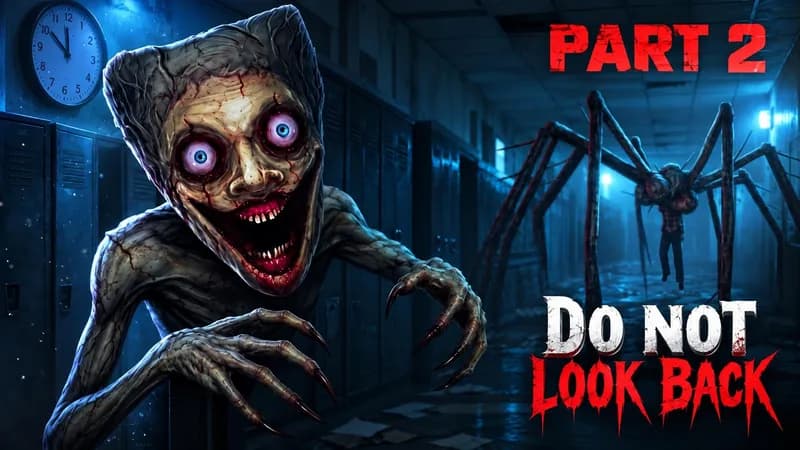
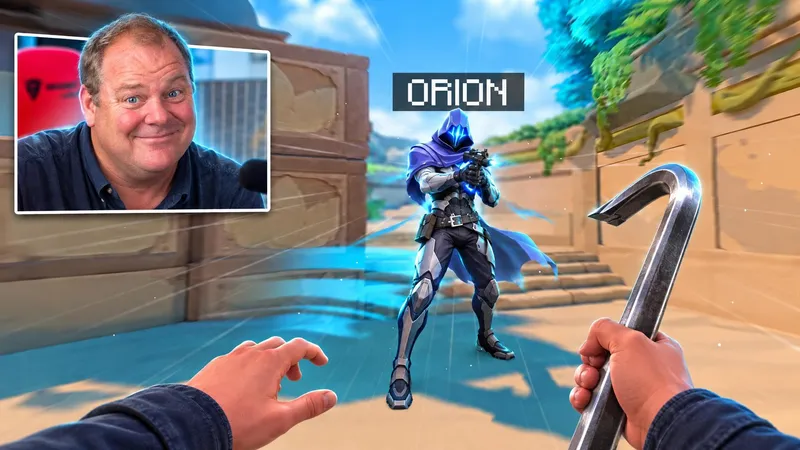
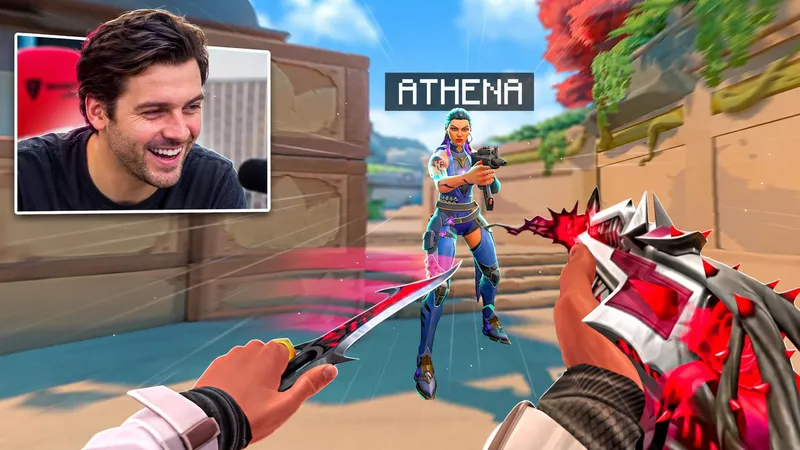
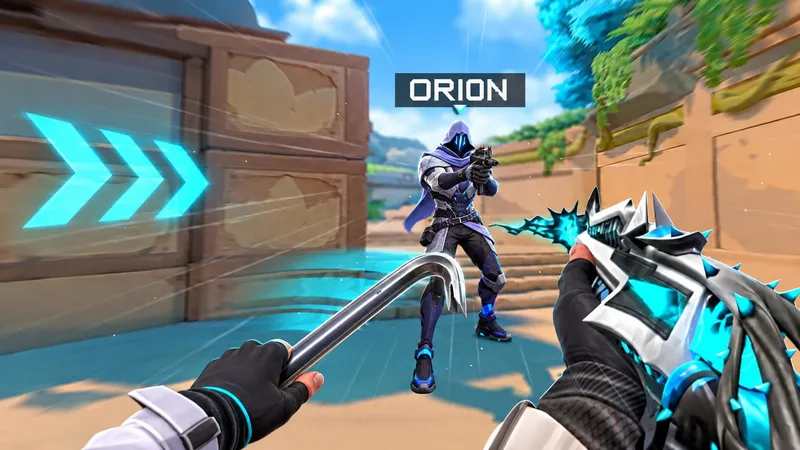
Paste a public YouTube link or choose an image whose video type matches yours.
Add the real rule, boss, result, ranking, fail, reveal, or update the video is built around.
Use your photo when the reaction is part of the story, or leave it out and let the game-world subject lead.
BUILD THE BRIEF
Make the challenge, win, fail, ranking, number, or reveal understandable before the title is read.
Choose one boss, creature, object, landmark, weapon, or contrast instead of filling the frame with every detail.
Add your photo for personality-led videos. Go faceless when the world, mechanic, result, or tutorial is the stronger hook.
QUESTIONS
The format can fit challenges, boss fights, playthroughs, rankings, tutorials, updates, speedruns, wins, fails, and reveal videos with one clear visual premise.
Minecraft, Roblox, Fortnite, VALORANT and CS2 each have a page with examples true to that game and a notice that the page is independent of the game's owner. Every other game works from this page: name the real game, character and map in your brief.
Not reliably. WThumb generates a fresh scene rather than pasting a screenshot. Exact skins, avatars, characters, interface elements, logos, and game assets are not guaranteed. Use an editor when exact game identity is essential, or attach a clear extra image where the product supports it, then review the result.
No. Add your photo when your reaction or personality carries the video, or leave it out and let the game world, subject, result, or tutorial idea lead.
Yes. Choose 16:9, 9:16, or both so the same gaming brief can be composed deliberately for each format: 2048 by 1152 for YouTube and 1152 by 2048 for Shorts.
WThumb is free to try: new accounts get 2 free credits, no card needed, and 1 credit makes 1 thumbnail, in 16:9 or 9:16 with no watermark. Paid plans start at $12 a month.