 With a face
Choose one technical subject
Let one device, app, workflow, result, or before-and-after comparison carry the frame.
WThumb makes tech thumbnails for YouTube around your real topic: software, AI tools, reviews, builds, and workflows. Bring a reference, add your photo or skip it, and get a new 16:9 or 9:16 design.
2 free credits (1 credit = 1 thumbnail), no card
WHAT CHANGES
These WThumb outputs show a software roundup and an AI workflow tutorial. They demonstrate the visual role of tools and interfaces, but exact logos, screens, and text must be checked.


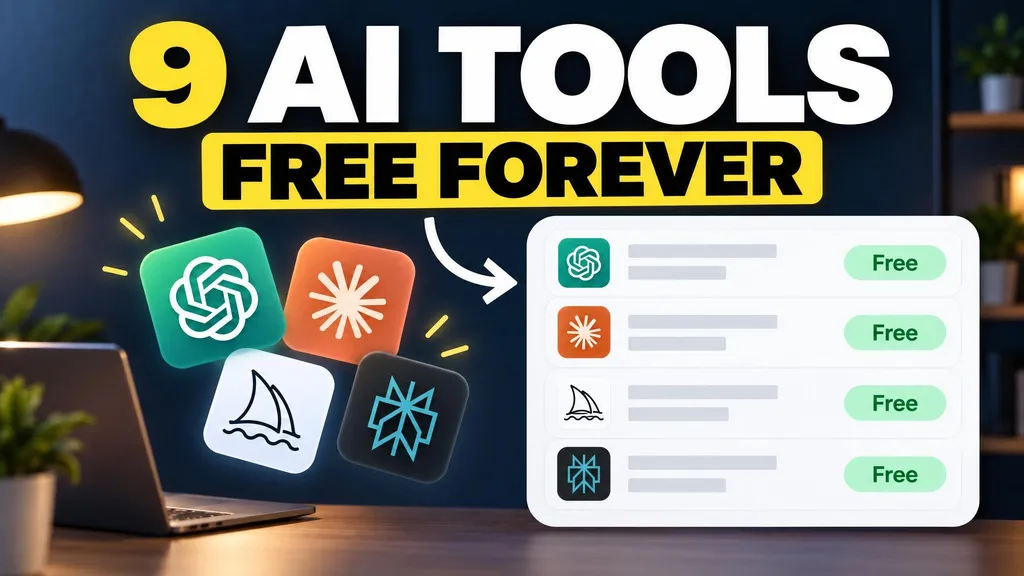



Paste a public YouTube link or choose an image with the visual role your video needs.
Add the tool, build, review, comparison, workflow, or lesson the video actually delivers.
Use your photo for a creator-led video, or let the device, screen, or workflow lead.
BUILD THE BRIEF
Let one device, app, workflow, result, or before-and-after comparison carry the frame.
A finished result or one important screen region reads faster than a complete interface full of tiny labels.
Generated logos, interface text, device details, and screenshots can drift. Use a real attached asset or an editor when accuracy is essential.
QUESTIONS
The format can fit software tutorials, AI tools, device reviews, coding builds, comparisons, automations, and workflow videos.
Not reliably. Generated interfaces, logos, labels, and product details can vary. Attach a clear supporting image where appropriate and review the result, or use an editor for exact placement.
Yes. Skip the personal photo and make the product, result, workflow, or comparison the main subject.
Yes. Choose 9:16 or both so the tech brief is recomposed for a tall frame.