 With a face
Lead with the finished state
Show what the viewer will have or understand after the lesson instead of a full screen of controls.
WThumb makes tutorial thumbnails for YouTube that show the task or the result. Bring a tutorial reference and the real outcome, add your photo or skip it, and get a new 16:9 or 9:16 design for lessons, software, and step-by-step videos.
2 free credits (1 credit = 1 thumbnail), no card
WHAT CHANGES
These real WThumb outputs use a presenter, a faceless workflow, a course-style lesson, and a time-bound learning promise. Each makes the outcome easier to understand before the title is read.
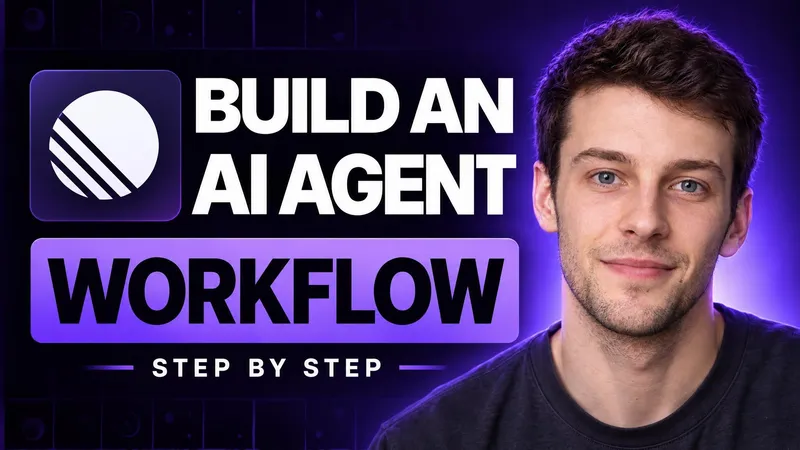
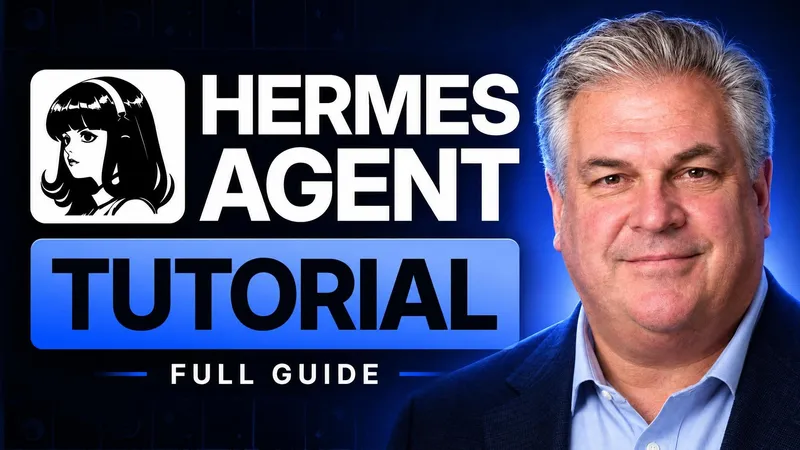

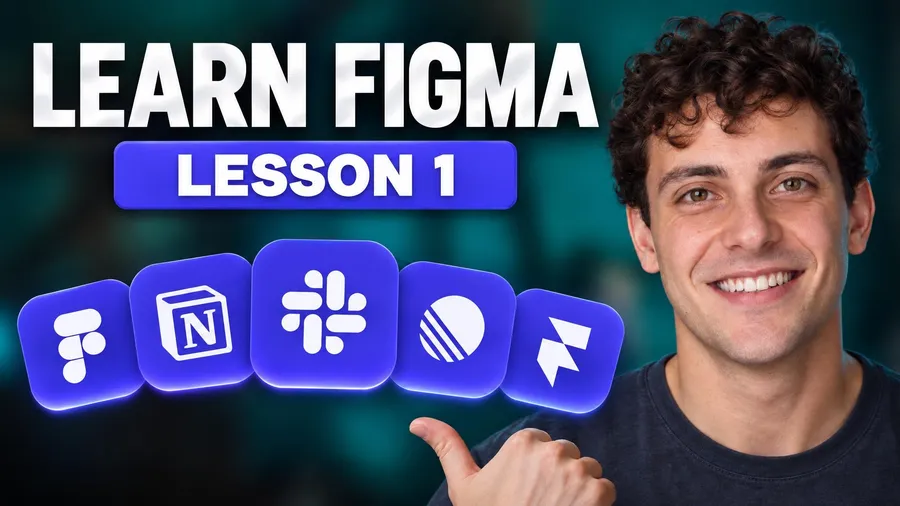
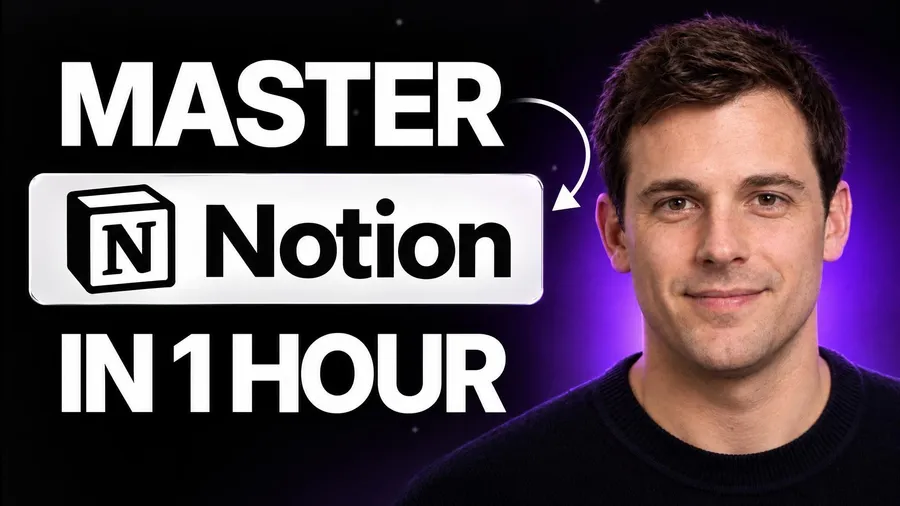
Paste a public YouTube link or choose an image whose teaching structure fits your lesson.
Add what the viewer will build, fix, learn, compare, or finish in the video.
Add your photo when the presenter helps, or let the finished result, object, or screen region lead.
BUILD THE BRIEF
Show what the viewer will have or understand after the lesson instead of a full screen of controls.
One result, tool, or before-and-after change is easier to scan than a complete course outline.
Generated interface text and controls can drift. Use an editor when the exact screen is the lesson, and review every generated detail.
QUESTIONS
The format can fit software lessons, how-to videos, explainers, courses, repairs, builds, and before-and-after walkthroughs.
No. Add your photo when the presenter is part of the promise, or let the finished result, object, or key screen region carry the frame.
Not reliably. Generated controls, labels, and interface details can vary. Use an editor when an exact screenshot must be preserved.
Yes. Choose 9:16 or both to create a fresh vertical composition from the same lesson brief.