 With a face
Use one business story
Choose the decision, transformation, workflow, or product that explains why the video matters.
Use a business reference, your real case study or workflow, and an optional photo to create a fresh thumbnail for strategy, automation, product, and founder videos.
2 free credits (1 credit = 1 thumbnail), no card
WHAT CHANGES
These WThumb outputs show a career result and an automated product workflow. They turn the real premise into one dominant visual without claiming measured performance.
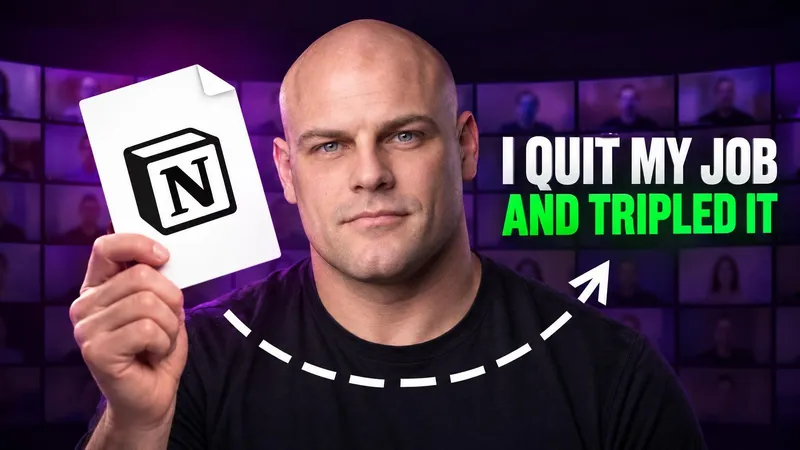
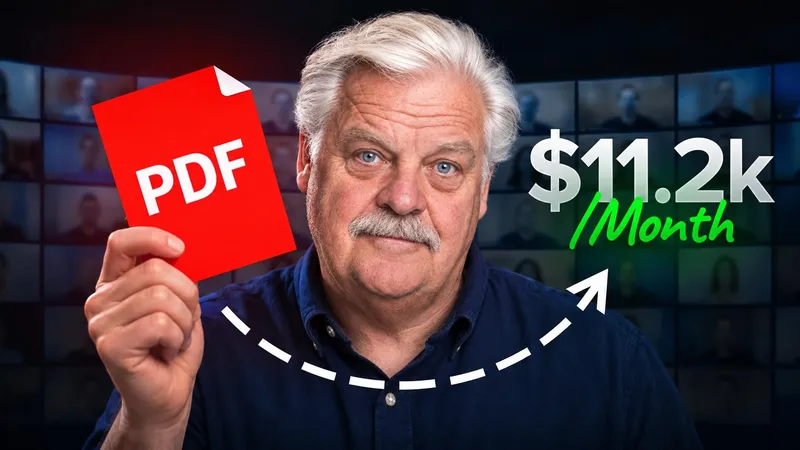
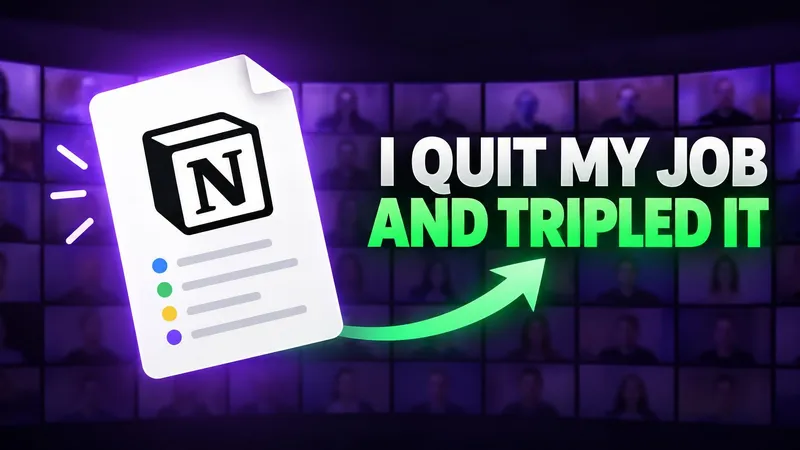



Paste a public YouTube link or choose an image with the structure your case study needs.
Name the product, workflow, decision, comparison, or result the video can actually support.
Add your photo for a founder-led story, or let the product, process, or outcome lead.
BUILD THE BRIEF
Choose the decision, transformation, workflow, or product that explains why the video matters.
Use only results, revenue, time savings, customer counts, and comparisons the video establishes.
Logos, dashboards, product screens, and figures can drift. Review them carefully and use an editor when exact proof is essential.
QUESTIONS
The format can fit case studies, founder stories, products, automations, career changes, strategy, operations, and business explainers.
It can visualize a result you provide, but it does not verify that result and should not invent one. Use only claims the video supports and check every generated number.
Yes. Skip the personal photo and let the product, process, chart direction, object, or case-study result carry the frame.
Yes. Choose 16:9, 9:16, or both from the same business brief.