 With a face
Make the constraint visible
Turn the rule into something viewers can see: two teams, one timer, a height, a budget, a prize, or a place to survive.
Turn a challenge, experiment, survival video, or high-stakes comparison into a thumbnail built around your premise, your photo, and one unmistakable visual hook. Behind it is WThumb, an AI thumbnail maker: paste the link of a challenge video you like, pick your persona or Faceless, and it designs a new 16:9 or 9:16 thumbnail around your own rule and stake.
2 free credits (1 credit = 1 thumbnail), no card
WHAT CHANGES
Each example starts from a different challenge premise. The rule, contrast, risk, or result becomes the first thing the viewer can understand.
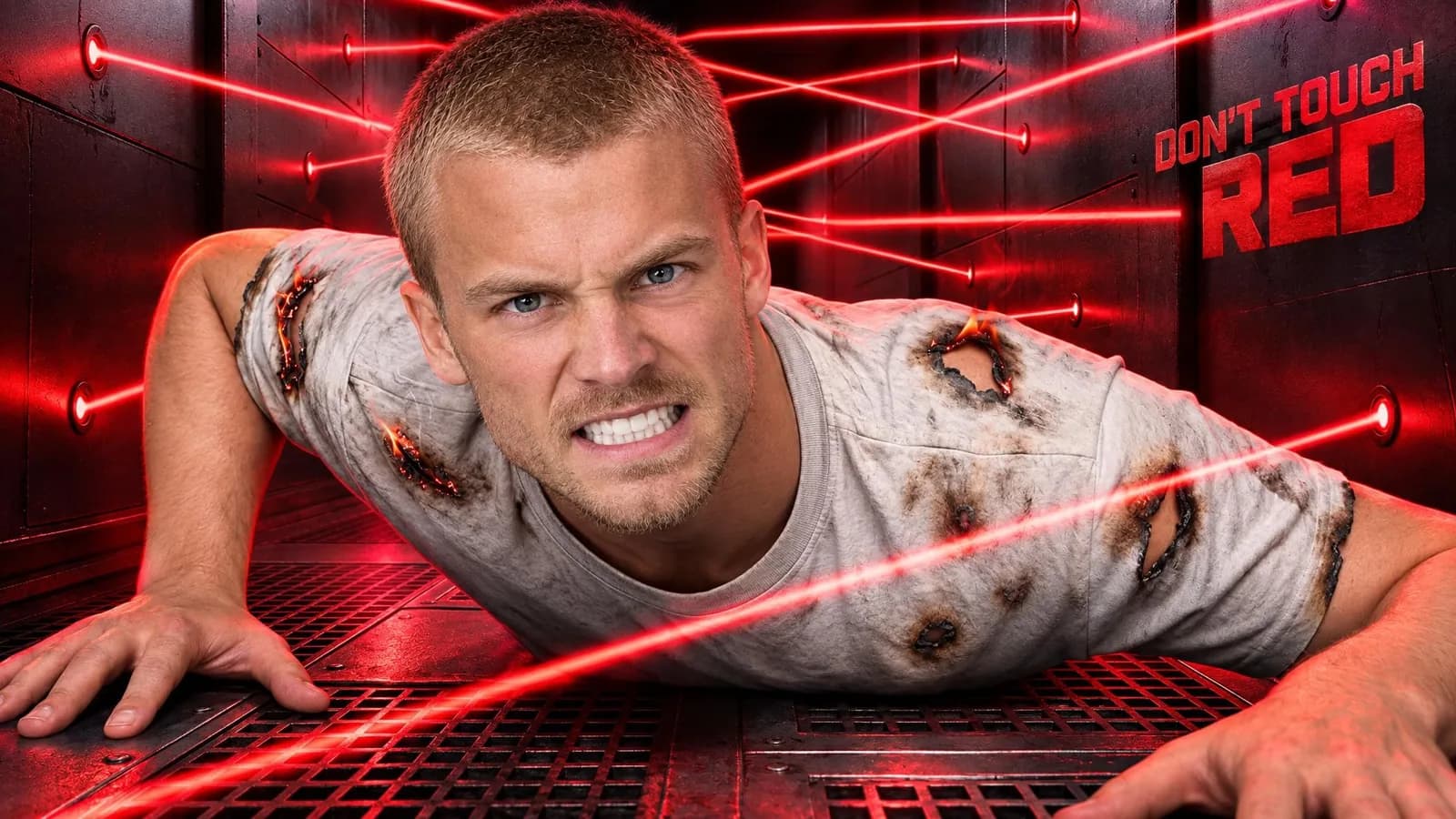

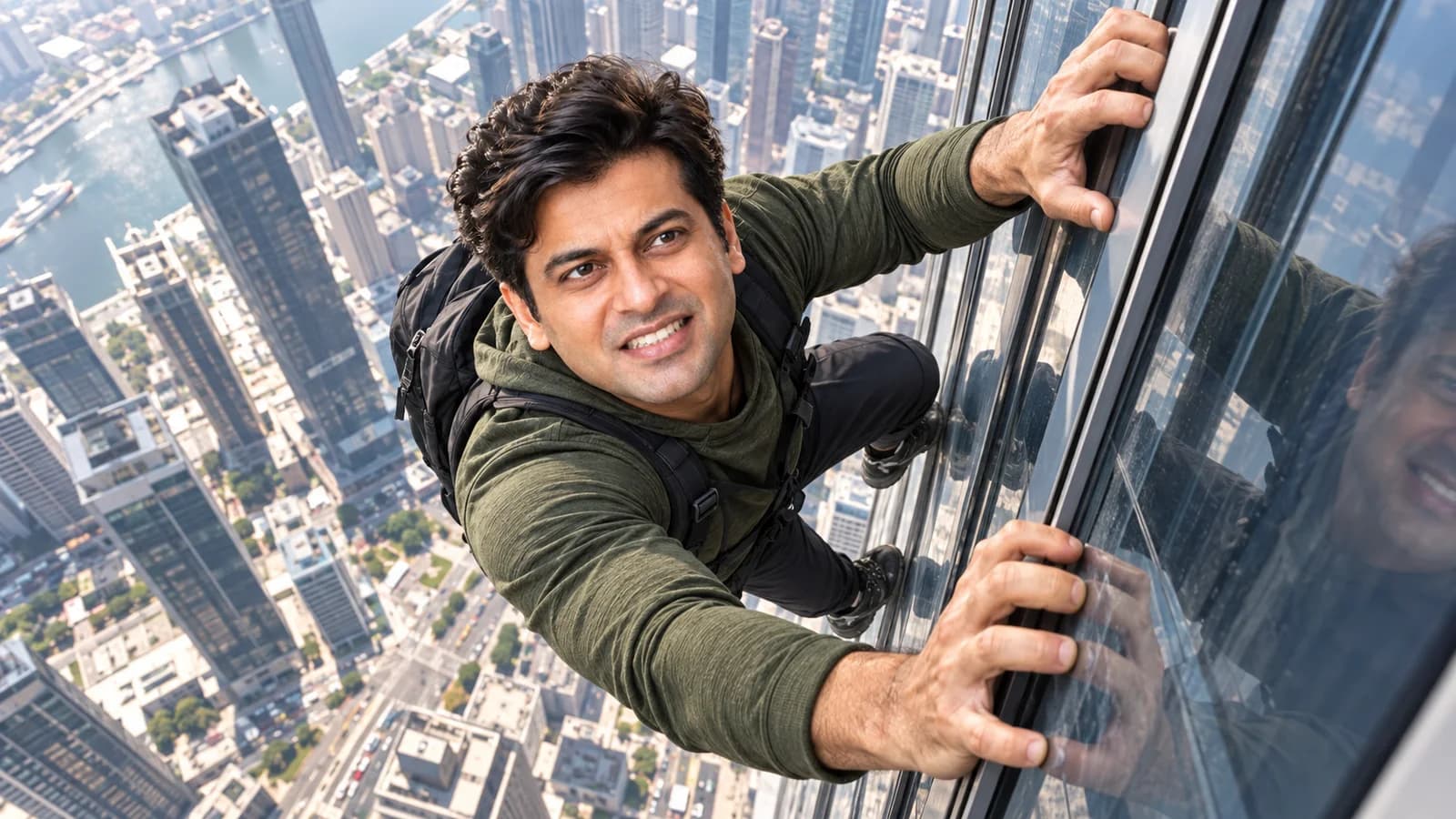

Paste a public YouTube link or choose an image whose premise matches your video.
Add the real constraint, comparison, prize, risk, or result the video actually contains.
Add your photo when the creator should lead, then generate a fresh composition for the chosen format.
BUILD THE BRIEF
Turn the rule into something viewers can see: two teams, one timer, a height, a budget, a prize, or a place to survive.
Use one clear opposition such as cheap versus expensive, safe versus risky, or one person versus a crowd.
Use your photo when your reaction helps explain the premise. The expression should support the challenge rather than replace it.
QUESTIONS
The format can fit competitions, survival videos, experiments, giveaways, budget comparisons, races, endurance tests, and other videos with one clear rule or stake.
Use WThumb, an AI challenge thumbnail maker. Paste the link to a MrBeast-style video whose premise matches yours, add your title, and pick your persona or Faceless. WThumb builds a new thumbnail around your own challenge, with one clear rule or stake viewers read at a glance, in 16:9, 9:16 or both.
No. A reference can communicate the kind of premise and energy you want, but WThumb creates a new composition around your video, wording, and photo.
No. Pick your persona, or Faceless and let the place, object, prize, or result carry the frame.
Yes. Choose 16:9, 9:16, or both so the same premise can be composed deliberately for each format. The video thumbnail is a 2048 × 1152 JPEG and the Shorts one 1152 × 2048, and neither has a watermark, whichever plan you are on.