Let the format pick the picture
A clutch wants the 1v5 and the bomb. An AWP highlight wants the AWP on a real angle, a rank climb the CS Rating, from grey to gold, a smoke guide the throw and where it lands, an update the new map.
Paste a link to a Counter-Strike 2 video or upload a thumbnail you like, name the real map, gun, or rank, and keep it all in the game or add your photo. WThumb builds a new 16:9 or 9:16 design around it.
2 free credits (1 credit = 1 thumbnail), no card
WThumb is not sponsored, endorsed, licensed by, or affiliated with Valve.
WHAT CHANGES
The first brief is a 50 VS 50 battle on Mirage: an army of SAS Counter-Terrorists facing an army of Phoenix Terrorists in their default look. The second is a rank climb on Dust II: day one against day thirty, a CT agent and a T agent, and the Premier CS Rating from 1,000 in grey to 30,000 in gold. Both references were cleaned first, so no creator, regimental badge, or FACEIT mark is left in them. The face pair adds one line: keep the agents and put the creator between them. The rank climb in the game alone adds one more: leave the person out. The maps, agents, and rating plates are generated, so compare them with the game before publishing.
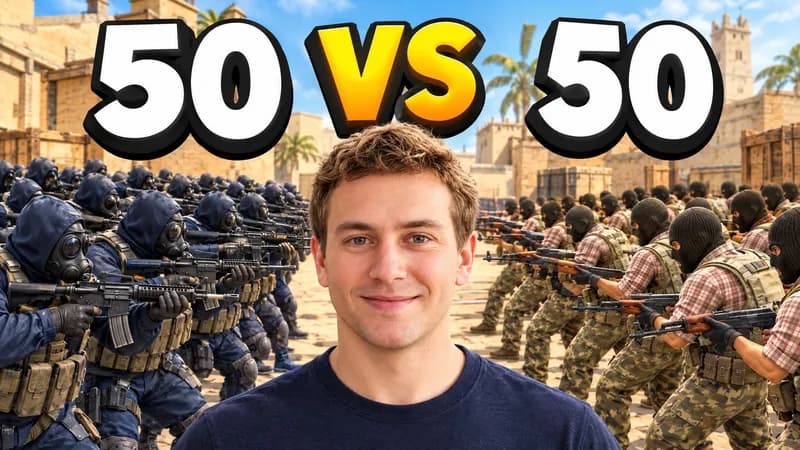
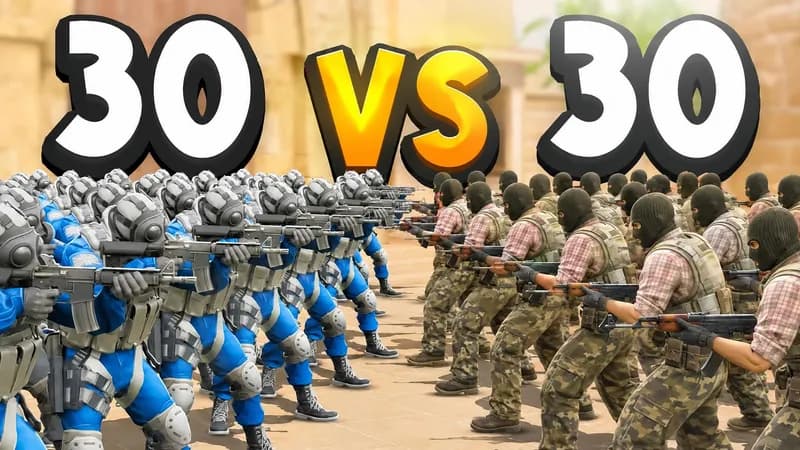
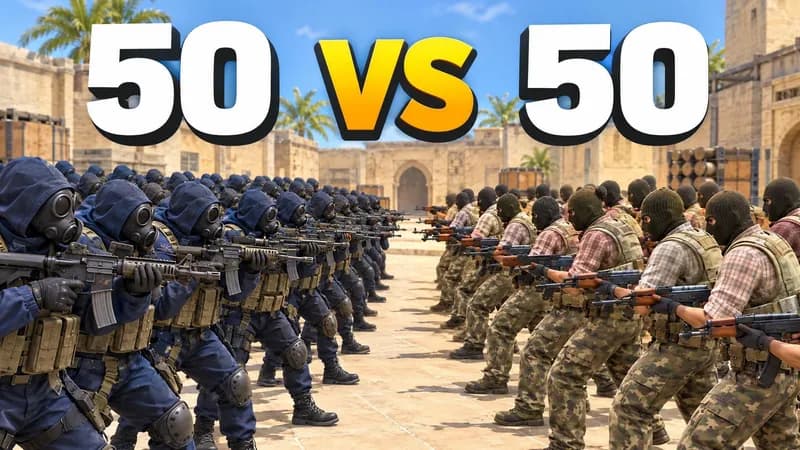
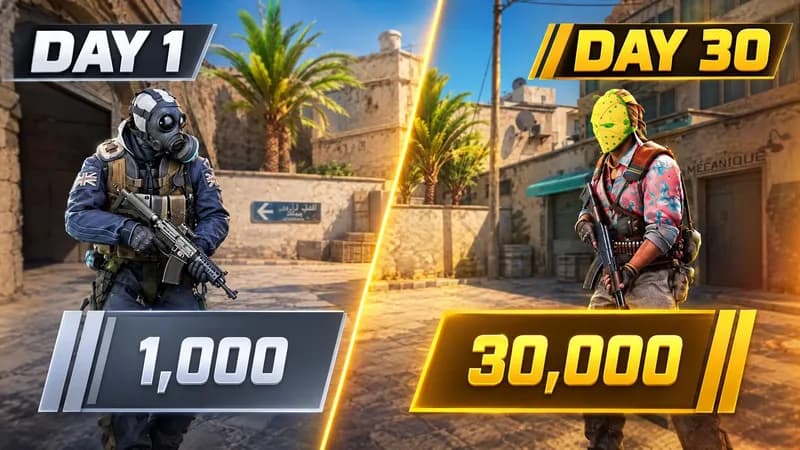
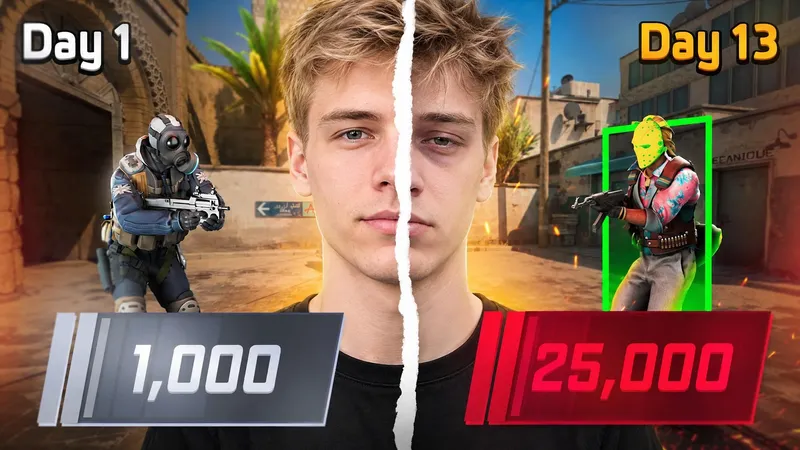
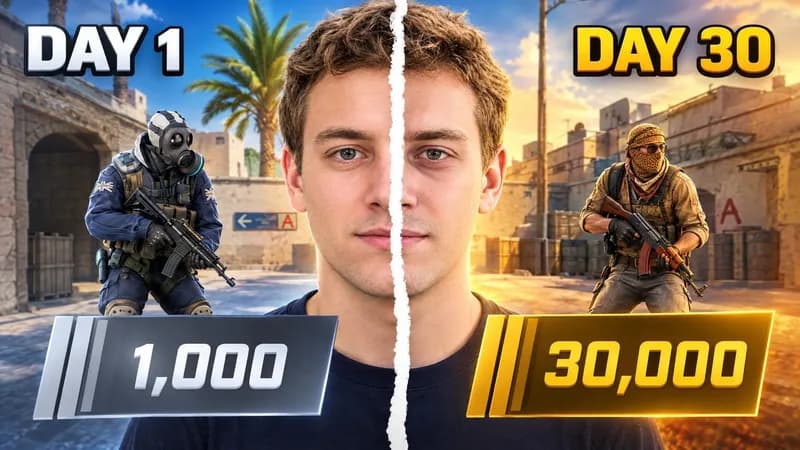
Paste a public link to a CS2 video in the same format as yours, or upload a thumbnail you like.
Add the real map, weapon, rank, or clutch, and the two to four words the picture should carry.
Keep it all in the game with a default CT or T agent, or add your photo and say where you stand beside the game character. Each frame is composed on its own.
BUILD THE BRIEF
A clutch wants the 1v5 and the bomb. An AWP highlight wants the AWP on a real angle, a rank climb the CS Rating, from grey to gold, a smoke guide the throw and where it lands, an update the new map.
Viewers know Long A doors on Dust II, Banana on Inferno, Palace on Mirage, the AWP, the AK-47, and the Desert Eagle on sight. Ask for the real one by name, and for a default SAS or Phoenix agent instead of a soldier.
Generated maps, weapon skins, and HUD pieces like the kill feed can drift from the game, so compare them with CS2 and fix one thing per revision. Keep the Counter-Strike logo and lettering in its style, team and tournament logos, pro players, and blood off the picture.
QUESTIONS
Clutches and aces, ninja defuses, AWP highlights, Deagle only and AWP only challenges, Premier CS Rating climbs, Silver to Global Elite series, smoke and utility guides for maps like Mirage and Dust II, Wingman and Rush matches, and update and new map reveals. Any video with one premise the picture can show works.
Yes. Leave the photo out and the picture stays in the game: a default CT or T agent you name, real guns, the map, and your words. Add your photo or a saved persona when your reaction is part of the story. By default your photo takes the place of the figure in the reference, and in a CS2 thumbnail that figure is often the agent. To keep the game character, say so, for example: keep the CT with the AWP in the frame and put me beside him.
You can ask for them by name: Dust II, Mirage, Inferno, Nuke, or Cache, an AWP, an AK-47, an M4A1-S, a Desert Eagle, a smoke or a flashbang, the C4, and the default SAS or Phoenix agents. The picture is generated, so callouts, weapon skins, and HUD pieces like the kill feed or the round timer can drift. Compare them with the game and revise before publishing. Leave out pro players and anything that carries their name or autograph.
Not reliably. WThumb generates a new image rather than pasting a screenshot, so a skin, its pattern, its wear, and its stickers come back close, not scratch for scratch. Attach a clear screenshot of it as an extra image, point to it in your instructions, and check the result. If the exact skin must appear, put your words over your own screenshot in an editor.
A 16:9 thumbnail comes back at 2048 by 1152 pixels and a Shorts one at 1152 by 2048, each composed for its own frame rather than cropped. Tick both to get the pair from one brief; that is 2 credits, since 1 credit makes 1 thumbnail.
No. WThumb is an independent thumbnail maker, not an official Counter-Strike 2 service. WThumb is not sponsored, endorsed, licensed by, or affiliated with Valve. Counter-Strike and the Counter-Strike logo are trademarks and/or registered trademarks of Valve Corporation. Leave the Counter-Strike logo, and team and tournament logos, off your thumbnail too: your title already names the game, and a real map, gun, or agent says CS2 on its own. Steam Branding Guidelines.