Unboxing thumbnail ideas come down to one choice: what the image promises. A closed box promises a mystery. The product out of the box promises a first look. Your face beside it promises a verdict. The first job is to pick the promise the video keeps. The second job is the one no template gallery answers: what changes on the image when the product was sponsored, gifted or bought.
As of September 2026, YouTube's Add branded content restrictions & disclosure labels page says that if you feature branded content, sponsorships, endorsements or other commercial relationships in your videos, you have to let YouTube know by selecting the paid promotion button in your video details. It says nothing about the thumbnail, and that gap is where this post starts.
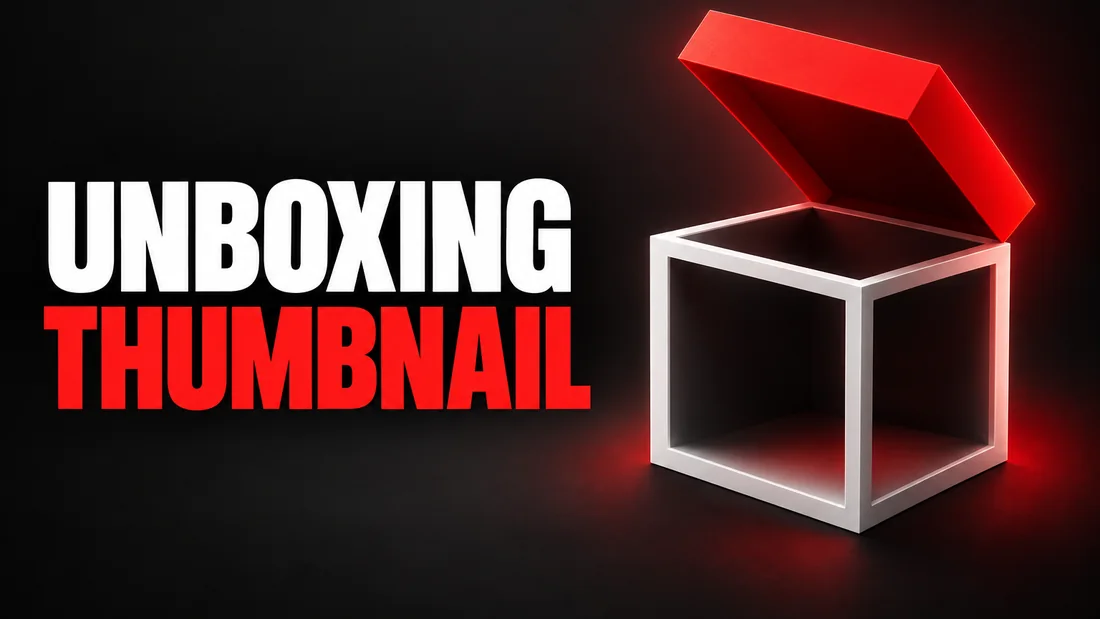
Three unboxing thumbnails: the closed box, the product out, the reaction
This section sorts unboxing thumbnails into three promises, and the video keeps only one. The closed box is the reveal format from the YouTube thumbnail ideas sorted by promise, and the verdict is its reaction format.
The closed box: a mystery
The box is sealed and the only information is the shape and the label. It promises the moment of opening, so it fits the mystery box and the blind bag. The words carry the question or the odds: WHAT IS INSIDE? or 1 OF 500. It is the weakest choice for a known product; a sealed phone box tells the viewer nothing the title did not.
The product out: a first look
The item is out, in your hands or on the desk, larger than the box. It promises a look at the thing itself: the launch-day phone, the new toy line, the beauty haul. The words carry the name or the price. The beauty version has its own rules for the product in hand on a makeup thumbnail: hold the real one close to the lens, label toward the camera. A book haul works the same way, with the cover question the post on thumbnails for book channels answers.
The reaction: a verdict
Your face, the product beside it, an expression that reads as a judgment. It promises an opinion, so it fits the unboxing that becomes a review and the mystery box that disappointed. The words carry the verdict: WORTH IT? or RETURNING IT. It is the only one that needs your photo, and the expression has to be true: a shocked face on a video where nothing shocked you is a broken promise. A car review makes the same promise at a larger scale, and the car YouTube thumbnail ideas show it from the angle a buyer walks up to.
Pick by the ending: the mystery if the box only opens, the look if the product comes out, the verdict if you say keep or return.
The real product at the size of a face
This section is about scale: the product on an unboxing thumbnail has to be recognizable at feed size, so it takes the space a face would take. As of September 2026, YouTube's Thumbnail & title tips page says thumbnails show up differently across devices, so make sure your thumbnail image is as large as possible, and adds that you should try not to make the design too complex. On an unboxing the complexity trap is the pile: box, sleeve, manual, cable and product, all at the same size.
The box art or the object
Choose one thing to be big. For a phone, a console or a camera it is the object, because its shape is known and the box is a white rectangle. For a toy or a subscription box it is the box art, the product until it is opened. Whichever you pick is the largest thing in the frame.
The color that identifies the model, and hands for scale
A viewer scanning a feed can tell a titanium finish from a black one. Keep the true color of the object; do not let a warm ground turn a silver product gold. Hands give scale: a hand around an earbud case says small, two hands under a mini fridge say big.
A brief to paste
- Words. NEW COLOR on one line, the model name on the second.
- Instructions. The product large and sharp in front, held in one hand, its real color kept, the box small behind it, a plain dark ground.
The number and the verdict
This section covers the words. An unboxing gets two kinds, a number and a verdict, and one goes on the thumbnail at a time.
One true number
The price is the strongest number on a tech or beauty unboxing: $59 EARBUDS, $1,200 CAMERA. The count is the strongest on a mystery box or a haul: 12 ITEMS. The edition is the strongest on a collectible: 1 OF 500. Use the number you paid or the number on the box, not a price rounded down to flatter the deal, and not a retail price on an item you got free; that price belongs in the description.
The hit-or-miss line
The verdict is the phrase the reaction thumbnail needs: WORTH IT? or RETURNING IT. A question is safe whenever the video answers it. A statement is a claim. As of September 2026, YouTube's Thumbnails policy page lists a thumbnail that misleads viewers to think they're about to view something that's not in the video among the thumbnails not to post, and says that if a thumbnail violates its policies YouTube removes the thumbnail and may issue a strike. RETURNING IT on a video where you kept it is that thumbnail. WORTH IT? on the same video is fine, because the video answers it either way.
Number or verdict, not both: put one on the image and the other in the title.
Mystery boxes and the reveal line
This section is about what may stay hidden on a mystery-box thumbnail, and where hiding becomes a policy problem. It is the one unboxing where the closed box is honest, because nobody knows what is inside, you included.
The contents may stay hidden: show the sealed box, the count on it, your hands on the tape. Contents you did not get may not be implied. A gold watch peeking out of a cheap box, on a video where the box held a keychain, is not a tease. As of September 2026, YouTube's Spam Policy page defines malicious clickbait as using maliciously misleading titles, thumbnails, descriptions or imagery to trick users into clicking on a video that does not deliver what was promised. A box that never opens on camera, or a box shown with treasure it did not hold, is the unboxing version of that definition.
The disappointing box gets the reaction: the box open, your face saying no, words like $200 FOR THIS? Whether to show the best item is answered in should the thumbnail spoil the reveal: show the payoff, hide the reveal. The best item half out of the box is a payoff; the lid coming off is the reveal.
A brief to paste
- Words. 12 ITEMS on one line, WHAT IS INSIDE? on the second.
- Instructions. The sealed box front and center, tape still on, my hands at the lid, nothing visible inside, a warm ground.
Sponsored, gifted, bought: what changes on the image
This section answers the question from the intro: does SPONSORED go on the thumbnail? YouTube's disclosure lives in a setting and a label, not on the image, so the image is a choice.
As of September 2026, YouTube's Add branded content restrictions & disclosure labels page puts the whole disclosure in one place: the paid promotion button in your video details, which adds a disclosure label at the beginning of your video. That page adds that you and the partners you work with are responsible for complying with applicable legal requirements, and points to bodies such as the FTC and the ASA; what those ask is a question for them, not for a thumbnail guide. The word thumbnail is not on the page.
- Sponsored. The brand paid, so the button is on. On the thumbnail, SPONSORED is a choice: some channels print it, others leave it to the label and the title.
- Gifted. The brand sent the unit free. The page's list includes endorsements and other commercial relationships; read it against your arrangement. On the thumbnail, FREE UNIT is again a choice.
- Bought. You paid and no brand was involved, so the page's list does not describe you. On the thumbnail, I BOUGHT IT or the price you paid is the strongest line an unboxing has: the opinion was not part of the package.
As of September 2026, YouTube's Advertiser-friendly content guidelines page says its policies apply to all portions of your content and names the thumbnail, title, description and tags alongside the video. Whatever the video's status, the thumbnail shares it. For the brand's mark, someone else's logo on an unboxing thumbnail covers when it belongs there.
Faceless unboxing: hands only, the product on the desk, the box as the ground
This section is the faceless version. Unboxing is one of the easiest formats to make faceless, because hands are already in every unboxing video.
Hands only
Two hands lifting the product out of the box, cropped at the wrist, the product at the size a face would be. The hands say a person is here and give scale. The words carry the promise, NEW COLOR or 1 OF 500, because there is no expression to carry it.
The product on the desk
The product alone, the box behind it, nothing else on the surface. This is the first look without a person; it works best for objects with a known shape.
The box as the ground
The box art fills the frame and the product sits on it. For a toy line or a subscription box the art is the recognizable thing, so the box becomes the background and the product the subject. Keep the words off the busiest part of the art.
In WThumb the faceless version is what you get when you skip the personal photo: the person in the reference is removed, the space is filled in the same style, and nobody else's face is ever put in.
A brief to paste
- Words. NEW COLOR on one line.
- Instructions. No person, two hands lifting the product out of its open box, the product large with its real color kept, a plain ground.
How to do this in WThumb
This section is the flow in WThumb: your photo holding the item is the personal photo, and a shot of the exact product goes in as an attachment.
- Paste the reference. A YouTube link from an unboxing channel or a PNG, JPEG or WebP upload. It is a brief, not a template: the idea carries over, the design is new.
- Type the words and one line of instructions. Up to three lines, so $59 EARBUDS, plus one plain line: me holding the open earbuds case, the case large in front, warm ground.
- Attach the product shot as @1. A clear photo of the exact product, named in the instructions: the product is @1, keep its color and shape.
- Add your photo, or skip it. A photo of you holding the item places you in the design. Skip it and the thumbnail is faceless.
- Tick 16:9, 9:16 or both, and one or two designs. One brief can produce the YouTube frame and the Shorts frame in one submission.
- Wait about thirty seconds. The result is a Full HD+ JPEG. The first two runs cost nothing: new accounts get two free credits (1 credit = 1 thumbnail), no card needed.
Check the product before you upload
An attachment is a brief, not a paste. The product on the result is a drawing of that kind of product, so check it against the real thing: the model name, the ports, the colorway. A viewer who owns the previous model will spot a wrong port before they read the words. If one detail is off, the pencil on the finished thumbnail takes one sentence and makes a new version; each revision costs one credit. For the holding shot, adapt the product in hand prompt for tech channels.
One promise the video keeps, one true number, and the disclosure where YouTube asks for it: in the video details. SPONSORED on the image is a choice, not a rule.