






$12 covers a channel
30 credits a month on the smallest plan: one thumbnail for every upload of a channel that posts daily. Thumbmagic starts at $29 a month.
THUMBMAGIC ALTERNATIVE
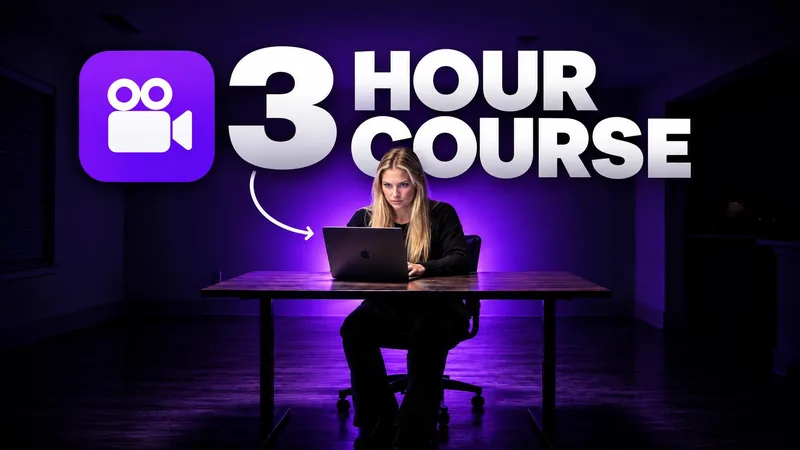
Thumbmagic builds thumbnails from your video and an avatar, from $29 a month. WThumb starts from a thumbnail that already won, with your face or none, and returns the landscape and the Shorts version at 2048 × 1152, from $12 a month.
Thumbmagic facts checked on
AT A GLANCE
| What is compared | WThumb | Thumbmagic |
|---|---|---|
| Cheapest plan | $12 a month for 30 credits (1 credit = 1 thumbnail), or $9 a month billed yearly | Starter: $29 a month for 100 thumbnails ($17 billed yearly) |
| Largest plan | $56 a month for 300 credits | Business: $99 a month for unlimited thumbnails ($59 billed yearly) |
| Output size | 2048 × 1152 (16:9) or 1152 × 2048 (9:16), straight from generation | 1280 × 720 on its feature pages; the 4K on its homepage is not explained on any plan |
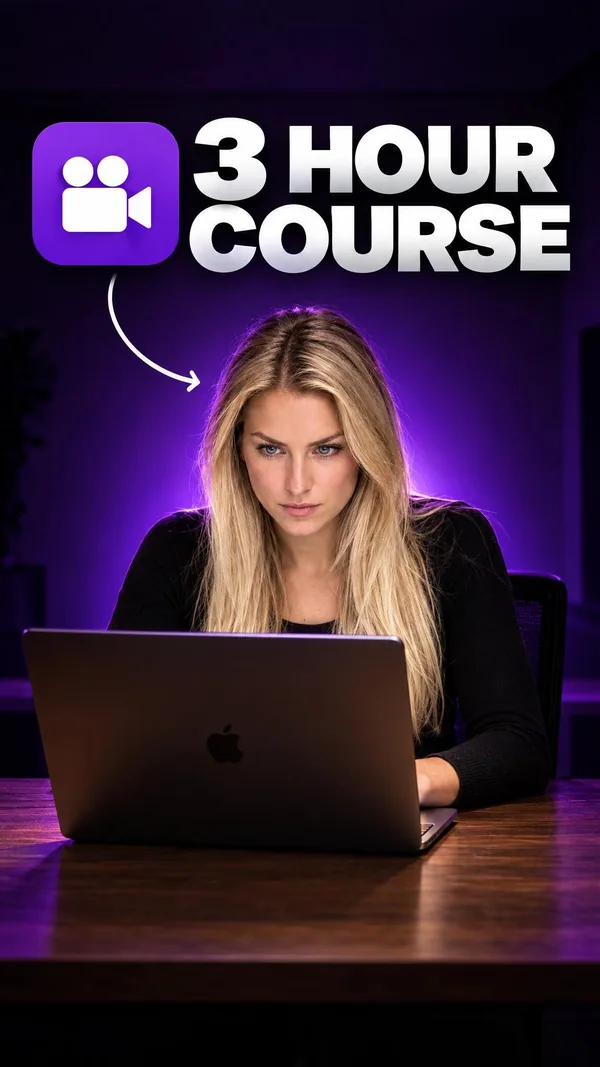
| 16:9 and 9:16 | 16:9, 9:16 or both from one brief, each recomposed for its frame | 9:16 templates; turning a 16:9 reference into 9:16 is not stated |
| Faceless from a reference with a person | Yes: the person is taken out and the frame rebuilt without anyone | Faceless means an avatar in place of your face |
| Your face | Your photo goes in as the thumbnail is made, at no extra cost; save 1, 2 or 5 personas by plan | Avatars from one photo: 1 on Starter, up to 10 on Pro |
| Your own images or logo | Up to four per brief: a product, a logo, a screenshot | Not supported, per its own February 2026 comparison post |
| Library with outlier scores | Thousands of thumbnails from popular channels, each with its outlier score; free with an account, Recreate in one click | Templates and layouts, without performance data |
| Start from | A YouTube link, any image, or a plain description | A YouTube URL, a video upload or a script of 100 characters or more; replicating a thumbnail is on Pro and up |
| Free to try | 2 free credits, no card | 3 free thumbnails, no card |
| Changes after generation | Describe a change in plain words for a new version, 1 credit each | Click-to-edit editor and a text mode, 1 credit per edit |
Thumbmagic prices and plans are from Thumbmagic's own pages (its pricing page served by Submagic, its homepage, its feature pages and its February 2026 comparison post on thumbmagic.co), as read on September 23, 2026. The WThumb column comes from WThumb pricing and the product. If something here is out of date, tell us from the help button and we will correct it.
WHY WTHUMB
30 credits a month on the smallest plan: one thumbnail for every upload of a channel that posts daily. Thumbmagic starts at $29 a month.
Skip the photo and WThumb takes the person out of the reference and rebuilds the frame without anyone. Any winning thumbnail can become a faceless one: made for faceless channels and for creators who automate their uploads. On Thumbmagic, faceless means an avatar in your place.
Ask for 16:9, 9:16 or both at once. WThumb recomposes the idea for each frame instead of cropping, so a landscape reference becomes a real Shorts thumbnail and the other way round. Thumbmagic's pages do not describe turning a 16:9 reference into 9:16.
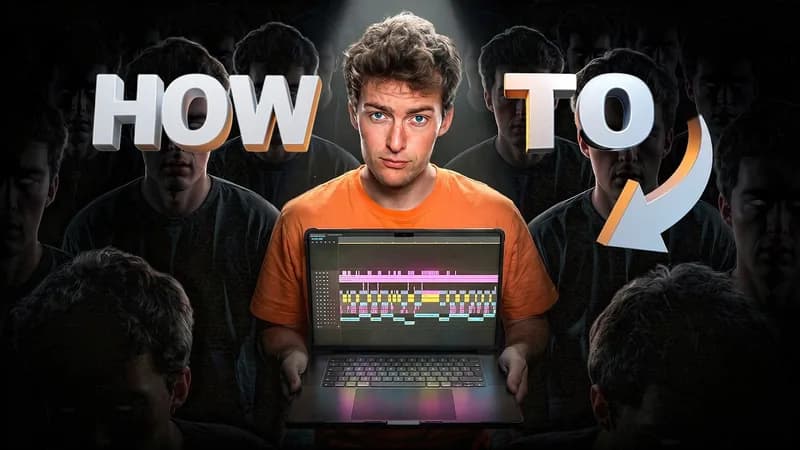
Thousands of thumbnails from popular channels, each with its outlier score: the video's views over its channel's median. Sort by it, press Recreate, and the winner becomes your brief. Free with an account. Thumbmagic offers templates, without performance data.
Every thumbnail comes out at 2048 × 1152 (1152 × 2048 for Shorts), sharper than 1080p, straight from generation. Nothing to upscale and nothing extra to pay. Thumbmagic's feature pages state 1280 × 720.
Add up to four extra images to a brief: a product, a logo, a screenshot. Thumbmagic's own February 2026 comparison post says it does not support uploading your own images or logos.
you know the thumbnail you want to beat, you want your face, product or logo in it, or a faceless version, in both formats at 2048 × 1152.
Start freeyou want thumbnails proposed from a finished video, and to tune them by hand in an editor.
FAQ
To start, yes: $12 a month against $29 on September 23, 2026, and $28 buys 120 WThumb credits, one thumbnail each, where $29 buys 100 thumbnails on Thumbmagic. At the top, Thumbmagic's yearly Pro and Business plans cost less per thumbnail.
Yes. Skip the photo and WThumb takes the person out of the reference and rebuilds the frame without anyone. On Thumbmagic, the faceless option puts an avatar in your place.
WThumb exports 2048 × 1152 for 16:9 and 1152 × 2048 for 9:16. Thumbmagic's feature and use-case pages say 1280 × 720; its homepage mentions 4K, which no plan on its pricing page explains.
No. WThumb starts from a thumbnail reference (a YouTube link or an image) or a plain description, plus your title, so a typical thumbnail is ready in about 30 seconds, before the video is even edited. Thumbmagic starts from a YouTube URL, a video upload or a script.
In WThumb, yes: add up to four extra images to a brief. Thumbmagic's own February 2026 comparison post says it does not support uploading your own images or logos.
Yes. In WThumb you describe the change in plain words and get a new version, 1 credit per revision; there is no manual editor. Thumbmagic has a click-to-edit editor at 1 credit per edit.