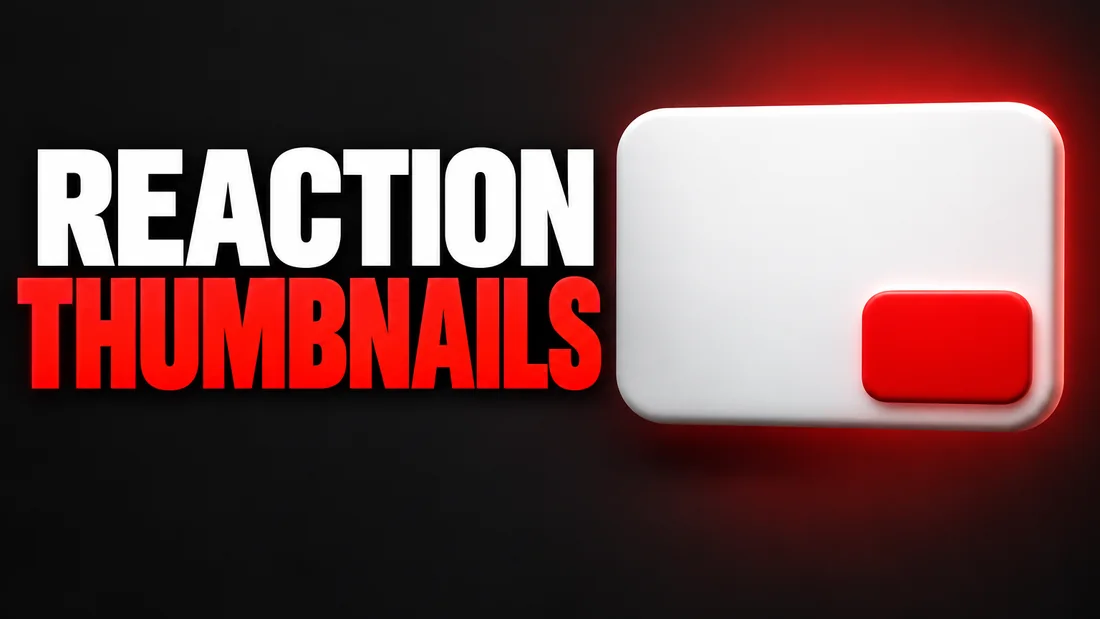
A reaction video thumbnail has two jobs: show your reaction, and show what you reacted to, without becoming a copy of the other creator's thumbnail. The honest way to do both is your face from your own shoot beside the subject shown as a symbol or a title card, never as a lifted frame. Cropping their thumbnail and adding your face in the corner is tempting, and it is the one habit this post steers you away from.
As of September 2026, YouTube's Thumbnails policy says a thumbnail that misleads viewers to think they're about to view something that's not in the video is not allowed, so the thumbnail has to be about your video, not theirs. We do not give legal advice on fair use, and we do not say which expression gets the most clicks, because we do not know your audience.
What a reaction thumbnail has to show
This section covers the two elements every reaction thumbnail carries. A reaction thumbnail shows a person reacting and the thing they reacted to, read in one glance: a face on one side, a cue to the subject on the other, a few words between them. A face alone is a vlog. The subject alone is a repost. Both halves have to be yours: your face from your own shoot, and a subject you made or briefed rather than lifted. It is the reaction format from the YouTube thumbnail ideas sorted by promise.
Your reaction is the larger of the two. The viewer who clicks a reaction video is choosing you: your take, your verdict. The thing you reacted to is the reason the video exists, not the star, so it sits beside your face as a cue: a small object, a symbol, a title card. A cover video turns this around: you are the performance, and the cover song thumbnail names the song in words instead of showing its artist.
Keep the cue simple enough to read at phone size. As of September 2026, YouTube's Thumbnail & title tips page says to try not to make the design too complex and to use a font that is easy to read. A concrete test: describe your thumbnail in one sentence. Me looking doubtful next to a giant price tag, WORTH IT? passes. Me, their thumbnail, three arrows and a logo does not.
Your face: three expressions, one true one
This section is the shot list: three expressions in one sitting and a rule for choosing between them. As of September 2026, YouTube's Thumbnail & title tips page recommends taking pictures during your shoot so you have several options for thumbnails when you upload. For a reaction channel: three faces at the same desk, in the same light, chest up.
- Surprise. Eyebrows up, mouth slightly open, eyes on the lens. Shoot it once and move on.
- Doubt. One eyebrow, a slight lean back, lips pressed. It fits most review reactions.
- Laughter. Real laughter caught halfway, not a posed smile.
The rule: the one you use must match the reaction that is actually in the video. If your real reaction was a slow nod, the surprise shot promises a bigger moment than you filmed. As of September 2026, YouTube's Thumbnails policy says a thumbnail that misleads viewers to think they're about to view something that's not in the video is not allowed, and a face is a promise like any other. Doubt over a mild review is honest. Surprise over a mild review is not.
The other risk is the permanent shocked face. As of September 2026, YouTube's Thumbnail & title tips page names a shocked face as an example of an emotion that is universally relatable for casual viewers. On every upload it reads as a template, the fatigue we covered in why some AI thumbnails are a turnoff. Three expressions, rotated by what happened, avoid it. For lighting, background and camera, how to take a photo for a YouTube thumbnail has the checklist; shoot all three from the same distance so any of them fits the same design.
The thing you reacted to: a still, a symbol or a cue
This section covers the second half and the question that comes with it: can a frame from the other video, or their thumbnail, go into yours? This is not legal advice; we read YouTube's own pages and point at the option with no question attached.
As of September 2026, YouTube's Copyright on YouTube page lists audiovisual works, including online videos, and visual works, including posters, among the works subject to copyright, and says intangible things like ideas, facts, and processes aren't subject to copyright. Their frame and their thumbnail are theirs; the idea is yours to react to, the pixels are not.
As of September 2026, YouTube's Fair use on YouTube page lists the four factors (purpose and character of the use, nature of the work, amount used, effect on the market), says giving credit won't by itself turn a non-transformative copy into fair use, and says courts decide fair use cases according to the facts of each unique case. It does not mention thumbnails. So credit in the description is not a shield, and whether a lifted still belongs in your thumbnail is a judgment you own.
That is why we recommend the version with no judgment attached: the subject as a symbol, an object or a title card. A phone review: a phone you photographed. A trailer: a clapperboard in the film's colors. A price reveal: a huge price tag with the number. Their footage stays inside your video.
If you want the other thumbnail to shape yours, use it as a brief, not a source file. Is it ok to copy a YouTube thumbnail style walks through where style ends and copying begins. Take the idea and the energy, never the image. WThumb can recreate a YouTube thumbnail from its link on those terms, as a new design around your face and your words.
Never put the other creator in the thumbnail
This section covers the one line we would never cross: the other creator's face does not go in your thumbnail. Not cropped, not traced, not generated. Three of YouTube's own pages point the same way.
As of September 2026, YouTube's Impersonation policy says YouTube does not allow unauthorized impersonation of a person, entity, or channel that may mislead viewers, and names using AI to copy the voice or likeness of an individual, to make it appear as if the channel is owned or authorized by that individual. Their face in your frame is the confusion it describes.
As of September 2026, YouTube's Thumbnails policy carries the same AI line, and YouTube's Disclosing use of GenAI content page says content that makes a real person appear to say or do something they didn't do must be disclosed. A generated picture of another creator pulling a face they never pulled is exactly that.
The clean way out: the creator you reacted to lives in your title and description, where a name is a fact. Your thumbnail carries your face and a cue to the subject. If the subject is the creator themselves, the cue is still a symbol: their topic, not their likeness.
WThumb never puts anyone's face in a thumbnail except the person in the photo you upload. Paste the reacted video's link as the reference and the person in that thumbnail does not come through: add your photo and you are placed in the design; skip it and the result is faceless.
The words: the verdict or the question
This section covers the text, which on a reaction thumbnail is your verdict or your question in three words at most. The face shows how you felt; the words say what you concluded. Three shapes cover most reaction videos.
- The verdict. WORTH IT? is a verdict dressed as a question. NOT AGAIN says you have seen this before. I TRIED IT says the reaction turned into a test.
- The disbelief. HE DID WHAT and NO WAY sell the moment without naming it. They pair with the surprise shot and only with it.
- The counter. WRONG and NOT THIS TIME set you against the video. They pair with the doubt shot and fit commentary channels.
As of September 2026, YouTube's Thumbnail & title tips page says to use a font that is easy to read; two short words in a heavy face do that, a sentence does not. Never put the other creator's name in the words: it belongs in the title, and inside the thumbnail it looks like their branding. Then one honesty check. HE DID WHAT above a surprise face over a video where you shrugged is two lies in one frame. WORTH IT? above a doubtful face over a review you were unsure about is exactly what happened.
A brief to paste
- Words. Line one: WORTH IT? Leave lines two and three empty unless the subject needs a one-word name.
- Instructions. Me reacting with a doubtful face on the larger side of the frame, the product as a symbol on the other side, no other people, words above my head.
Reaction thumbnails for Shorts
This section covers the vertical version, for the common split where the full reaction goes out as 16:9 and the best thirty seconds go out as a Short. The two should be one idea in two shapes, so that a viewer who saw the Short and then finds the full video recognizes it.
In 9:16 the face grows and the cue shrinks. A landscape frame has room for your face on one side and the subject on the other. A vertical frame does not, so the face fills most of it and the subject becomes a small mark: a corner object, a single color, or the words alone. The full account is in landscape to Shorts: what changes in a vertical thumbnail; the reaction-specific point is the same expression and the same words in both, so the Short and the full video read as one moment.
In WThumb you do not brief the two separately. Tick 16:9 and 9:16 in one submission and the same brief produces both, each designed for its own shape. The words, the photo and the instructions are the same; only the frame differs. A landscape thumbnail cropped to vertical loses half the face; a vertical design from the same brief starts from the tall frame instead.
How to do this in WThumb
This section is the flow for a reaction thumbnail in the Studio. A run takes about thirty seconds, and new accounts get two free credits (1 credit = 1 thumbnail), no card needed.
- Paste the link of the video you reacted to as the reference, or upload one of your own. WThumb fetches only that video's public thumbnail and reads it as a brief: the subject, the visual idea, the energy. Layout, framing, lettering and color are designed fresh. The idea carries over; the design is new.
- Type the words, up to three lines. Line one is the verdict or the question: WORTH IT? or HE DID WHAT.
- Write one line of instructions in plain words. Me reacting, the topic as a symbol beside me, no other people, my face larger than the symbol.
- Add your reaction photo as the personal photo. Use the one that matches the reaction in the video. Leave it out and the result is faceless, which a reaction video rarely wants. Nobody else's face is ever put in.
- Tick 16:9 for the full reaction and 9:16 for the Short, in the same submission. Ask for one design or two.
- Wait about thirty seconds. Your words are checked by a moderation service first; a refused request is never generated and costs nothing.
The @1 trick for the subject
If the subject is a thing you can photograph, attach it as an extra image and write the phone in @1 as the symbol. It is a brief too, not a template, but the model then has your product to work from.
Two designs, then revise
Ask for two designs and pick the one whose face reads best small. Then press the pencil on it and describe one change in plain words, such as make the words bigger, and WThumb makes a new version. Each revision costs one credit, and the new version can be revised again.
A reaction thumbnail sells your reaction. The other video is the reason, not the star.