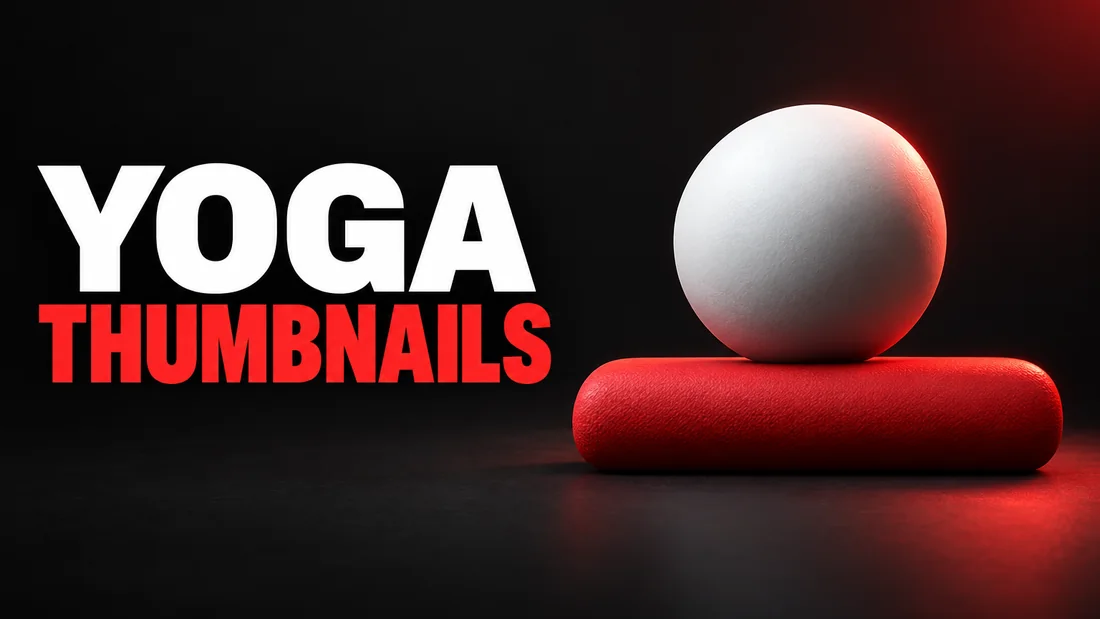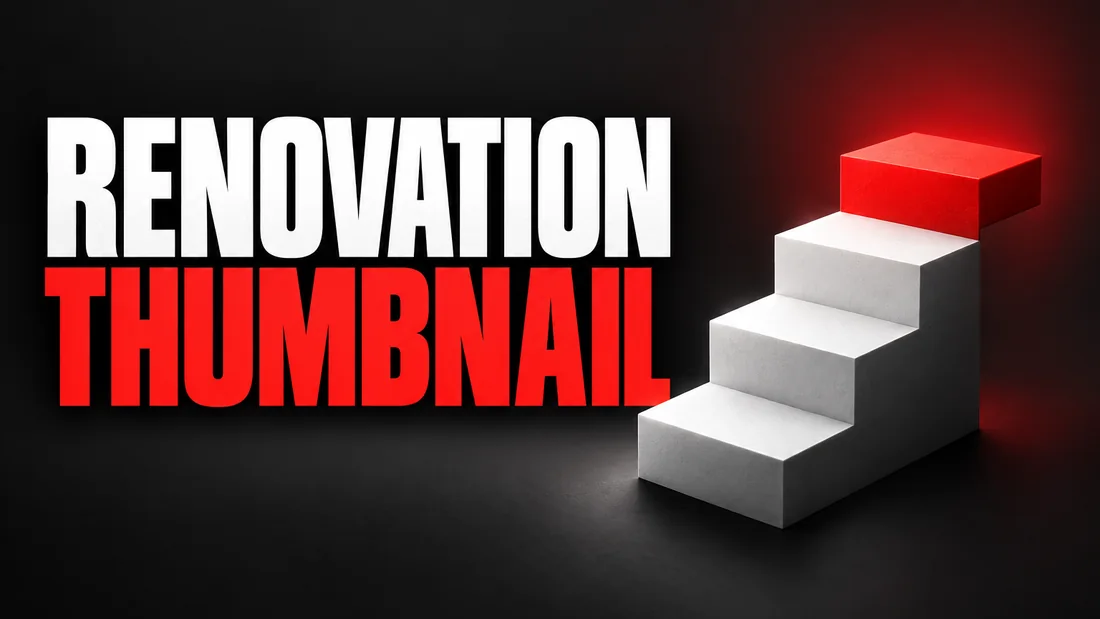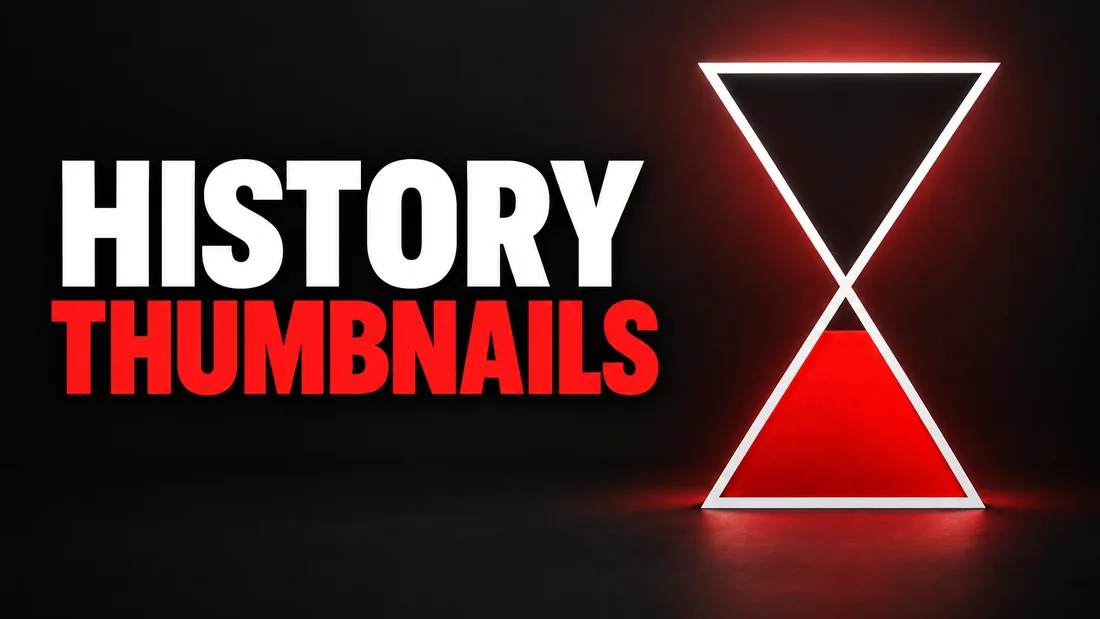
History documentary thumbnail ideas fail in one predictable way: the image turns into fantasy art. Glowing armor, a sky full of arrows, and a viewer who reads it as a script over stock footage. The fix is not a longer prompt. It is less: one muted, period-accurate reference, one object instead of a crowd, and a date instead of a sentence. As of September 2026, YouTube's Thumbnail & title tips page says 'Try not to make the design too complex', and history is where that advice pays off most.
This guide covers five formats, with or without a face, where the graphic line sits for war and atrocity topics, which real photos you can use, and how to brief the idea in WThumb. For videos about books rather than events, the cover question is its own subject in the BookTube thumbnail ideas.
Why history thumbnails drift into fantasy art
This section names the drift and the three fixes. Image models learn from a great deal of video-game art, so a plain request for a medieval battle tends to return the game: saturated, backlit, a hero in the center with clean teeth. What viewers dislike about AI thumbnails is mostly this: an image that belongs to nothing.
Fix one: a muted, period-accurate reference
The reference sets the palette and the mood before you type a word. Pick a video from a strong history channel whose thumbnail is already quiet: an oil-paint surface, a sepia print, a map on aged paper. Do not expect one instruction line to talk a bright gaming reference out of the glow.
Fix two: one object instead of a crowd
A crowd is where fantasy art lives: a hundred soldiers is a hundred chances for a wrong helmet and a plastic face. One object, drawn large, is a single decision: a rusted helmet on a table, a folded letter, a wax seal. The viewer supplies the battle. To make one for your own video, WThumb's faceless thumbnail maker takes a reference and your title and builds the frame around the object instead of a face.
Fix three: a date instead of a sentence
1347 on a dark thumbnail says plague to anyone who has heard of the Black Death and asks a question of anyone who has not. THE YEAR THE BLACK DEATH REACHED EUROPE says the same in seven words, at a size nobody can read on a phone.
A brief to paste
- Words. 1347 / THE LAST SUMMER
- Instructions. A single church bell on aged parchment, muted ochre and gray, no people, no glow, no fire.
Five formats for a history documentary thumbnail
Here are five formats, each with a text example, that carry most history videos without a crowd. The question card is also one of the YouTube thumbnail ideas by promise that work in any niche.
- Portrait plus date. A painted-style figure and a year: 1815. With a licensed scan this is the real painting; generated, it is an anonymous figure in period dress, face turned or in shadow, because a real face should come from a real source.
- Map plus one route. A muted map with a single red line and no other marks: THE ROAD TO MOSCOW. One route reads as a story; five arrows read as a textbook.
- Artifact close-up. A coin, a helmet, a letter or a key filling the frame, lit like a museum case: ONE COIN, ONE EMPIRE. The object is specific, which a generated crowd never is.
- Then and now. One street, two eras, split down the middle or stacked: 1944 / TODAY. Only when the video visits the place.
- The question card. Plain type on a dark, textured ground with one small object: WHY DID ROME FALL? The question is the hook; the image only has to feel old.
Which format for which video
A narrated biography suits portrait plus date, a campaign the map, a find the artifact, a walking tour then and now, a debate the question card. When in doubt, take the artifact: a coin is still a coin at phone size; a battle is a smear.
War and atrocity: where the graphic line sits
This section covers the policy line for a violent thumbnail, and the calmer images that still say battle. As of September 2026, YouTube's Violent or graphic content policies page says the policy applies to thumbnails as well as videos, descriptions, comments and live streams. The same page says graphic footage of warzones, unrest, humanitarian crises or natural disasters may be allowed or age-restricted when the video, its title or its description gives adequate educational, documentary, scientific or artistic context, and it names the same three places as where context can show that violence is dramatized.
The thumbnail is on neither list. It has no narration to explain it, so it stands alone: the documentary exception protects the footage, not the cover. Health channels meet the same limit with surgical footage, covered in thumbnails for medical videos.
The focal-point test
As of September 2026, YouTube's Thumbnails policy page says not to post a thumbnail showing violent imagery meant to shock or disgust, or graphic or disturbing imagery with blood or gore, and counts whether violent or gory imagery is the focal point of the thumbnail among the things it weighs before removing or age-restricting one. The same page says a thumbnail that is not for all audiences but breaks no Community Guideline may be removed, or the video age-restricted, without a strike. A dark stain in the corner of a wide landscape is a different image from a wound filling the frame.
Images that say battle without blood
- A soldier from behind. One figure walking into snow; the loss is in the posture.
- The object after. A helmet in a field, a boot in mud, a burned letter: THE MORNING AFTER.
- The empty place. A trench, a ruined column, a doorway with no door: 1916.
True crime thumbnail ideas without gore walks the same line for a sibling niche.
A brief to paste
- Words. 1916 / THE LAST LETTER HOME
- Instructions. A folded letter and a tin cup on a wooden crate, cold gray light, muted khaki and slate, no blood, no bodies.
Real photos and paintings: what you can use
This section covers archive scans, fair use, and where a generated scene fits. Often the real thing is usable: a painting centuries out of copyright, a scan released under an open license. But a scan is not free because the subject is old; the archive that made it sets the terms, so check the archive's license before you crop it.
Fair use is not a checkbox
As of September 2026, YouTube's Fair use on YouTube page says that in US copyright law fair use lets someone use copyrighted content under certain conditions without the owner's permission, that courts decide each case on its facts, and that giving credit does not by itself turn a non-transformative copy into fair use. It lists four factors, from the purpose of the use to the effect on the market. A thumbnail is a whole photograph used as a cover, and nobody at YouTube will rule on it for you.
As of September 2026, YouTube's Common copyright myths page lists giving credit to the copyright owner, and claiming non-profit or educational use, among the myths, and says not trying to make money from copyrighted content does not prevent copyright issues. Credit is good manners, not permission. Using a picture from Google Images as a thumbnail covers the search-result case.
Where a generated scene fits
A generated scene sidesteps the license question: there is no scan to license. It is a scene, not a document: do not brief it as a copy of the famous photograph, and do not brief it for a real face. Put mood, object and date on the cover, and keep the licensed portrait inside the video, where the narration gives it context.
Face or no face: the narrator and the object
This section compares the two ways a history channel stays recognizable: the historian's portrait or the recurring object.
The narrator format
A historian on camera puts a real face in every thumbnail, and the face is the brand. Keep the position fixed: face left, object right, date under the object, every episode. The expression should match a documentary: interested, not shocked. A shocked face beside 1945 reads as a prank. Take the photo in soft side light with no ring-light shine, so the portrait sits inside an ochre and slate design instead of on top of it.
The faceless object format
A faceless channel puts the object where the face would be. The object changes per episode; the treatment does not: the same muted palette, the same paper texture, the same type in the same corner. Consistency comes from treatment, not subject. Thumbnails for faceless channels covers how a channel with no face gets recognized in a feed.
In WThumb, faceless is what you get when you skip the photo: the person in the reference is removed and the space is filled in the same style. Add your photo and you are placed in the design instead. Nobody else's face is ever put in, so a reference from a presenter-led channel still gives a faceless channel a clean cover.
Words and series: a date per episode, one look per season
This section covers the text on a history thumbnail and how a series stays one thing across an era. A year does more than a sentence: it does not repeat the title, it sets large, and it stays legible at phone size.
Searchable title, intriguing thumbnail
The title carries the searchable nouns: Napoleon's Russian campaign, explained. The thumbnail carries the intrigue: a snow-white map, one red line, 1812. As of September 2026, YouTube's Thumbnail & title tips page says to use a font that is easy to read if you add text, and to make sure the title accurately represents the video. Hold the date to the same standard: the year on the image must be a year the video is about.
A series across an era
For a season, fix two things and change two. Fixed: one palette (ochre, slate and one red) and one type position (bottom left). Changing: the object and the date. Episode one is a helmet and 1914; episode four a letter and 1916; episode ten a poppy and 1918. The row on your channel page reads as a shelf, not a pile.
A brief to paste
- Words. 1918 / THE LAST SHOT
- Instructions. A single brass shell casing on frozen ground, ochre and slate with one red accent, type bottom left, no people.
How to do this in WThumb
The whole method fits in one brief: a quiet reference, one noun, a date, no photo.
- Paste the link of a history video with the look you want (WThumb fetches only that video's public thumbnail), or upload a reference image (PNG, JPEG or WebP). The reference is a brief, not a template: the idea carries over; the design is new.
- Type the words, up to three lines: 1812 / THE ROAD TO MOSCOW is plenty. Then one line of instructions naming one object and the palette: a single red route on an aged map, muted ochre and gray.
- Leave the photo out for a faceless thumbnail, or add one and you are placed in the design.
- Tick 16:9, 9:16 or both, and ask for one or two designs from the same brief.
- Wait about thirty seconds, then check the date against the video.
The @1 trick for an artifact
If the episode is about an object you own, attach your photo of it as an extra image and point at it: the coin from @1, large, on dark velvet. It is a brief, not a cut-out: the coin is drawn in the design's style, not pasted in.
Faces, photographs and revisions
WThumb draws a generated scene, so do not brief it to copy an archival photograph or a real historical figure's likeness; nobody else's face is ever put in. Brief a figure in period dress, face turned or in shadow. Your words are checked by a moderation service before anything is generated; a refused request is never generated and costs nothing. If the result glows, press the pencil on it and describe one change in plain words (mute the sky), and WThumb makes a new version. Each revision costs one credit (1 credit = 1 thumbnail). And new accounts get two free credits, so the first two episodes cost nothing to try.
A date and one object tell a viewer more than a battlefield of generated soldiers.